
1
5/14/2004 CSE378 Intro to caches 1
Memory Hierarchy
- Memory: hierarchy of components of various speeds and
capacities
- Hierarchy driven by cost and performance
- In early days
– Primary memory = main memory – Secondary memory = disks
- Nowadays, hierarchy within the primary memory
– One or more levels of caches on-chip (SRAM, expensive, fast) – Generally one level of cache off-chip (DRAM or SRAM; less expensive, slower) – Main memory (DRAM; slower; cheaper; more capacity)
5/14/2004 CSE378 Intro to caches 2
Goal of a memory hierarchy
- Keep close to the ALU the information that will be needed
now and in the near future
– Memory closest to ALU is fastest but also most expensive
- So, keep close to the ALU only the information that will be
needed now and in the near future
- Technology trends
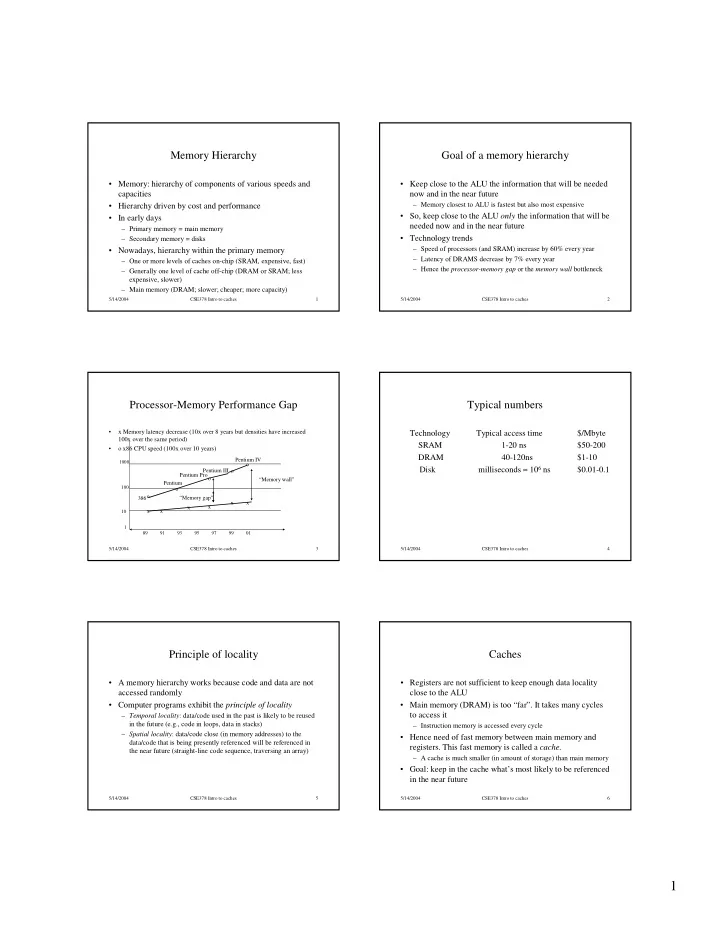
– Speed of processors (and SRAM) increase by 60% every year – Latency of DRAMS decrease by 7% every year – Hence the processor-memory gap or the memory wall bottleneck
5/14/2004 CSE378 Intro to caches 3
Processor-Memory Performance Gap
10 100 1000 1 89 91 93 95 97 99 01
- x Memory latency decrease (10x over 8 years but densities have increased
100x over the same period)
- x86 CPU speed (100x over 10 years)
“Memory gap” “Memory wall” x x x x x x
- 386
Pentium Pentium Pro Pentium III Pentium IV
5/14/2004 CSE378 Intro to caches 4
Typical numbers
Technology Typical access time $/Mbyte SRAM 1-20 ns $50-200 DRAM 40-120ns $1-10 Disk milliseconds ≈ 106 ns $0.01-0.1
5/14/2004 CSE378 Intro to caches 5
Principle of locality
- A memory hierarchy works because code and data are not
accessed randomly
- Computer programs exhibit the principle of locality
– Temporal locality: data/code used in the past is likely to be reused in the future (e.g., code in loops, data in stacks) – Spatial locality: data/code close (in memory addresses) to the data/code that is being presently referenced will be referenced in the near future (straight-line code sequence, traversing an array)
5/14/2004 CSE378 Intro to caches 6
Caches
- Registers are not sufficient to keep enough data locality
close to the ALU
- Main memory (DRAM) is too “far”. It takes many cycles
to access it
– Instruction memory is accessed every cycle
- Hence need of fast memory between main memory and
- registers. This fast memory is called a cache.
– A cache is much smaller (in amount of storage) than main memory
- Goal: keep in the cache what’s most likely to be referenced
in the near future