
Laser scanner technologies and 3D models integration: Laser scanner technologies and 3D models integration: analysis and methodological approach analysis and methodological approach
Dante Abate, M.Cristina Baracca, Roberto Ciavarella, Graziano Furini, Silvio Migliori, Samuele Pierattini ENEA - FIM Department The objective: “Virtual Museum”
The scanning laser systems available at ENEA, acquiring 3D objects and detecting information like position, color and reflectance of each point, allow to fullfil a wide range of diagnostic and monitoring requi- rements in the artistic and cultural heritage field and to produce 3D
- models. A test case was adopted, in order to define a methodology
allowing to include such 3D models in a Virtual Reality applica- tion.The objective was to develop a “Virtual Museum” in which to set up exhibitions, inserting/removing 3D models produced by different laser scanner system and to navigate the 3D graphical scene by me- ans of the VegaPrime environment or the OpenSceneGraph toolkit a- vailable by means of the ENEA-Grid.
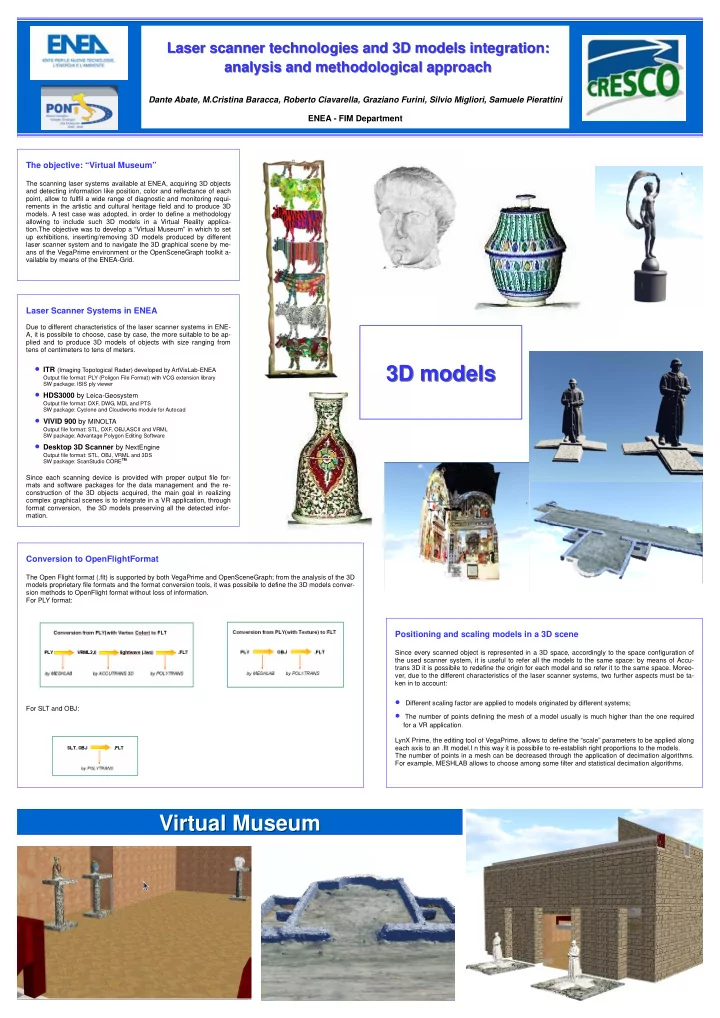
Virtual Museum Virtual Museum 3D models 3D models
Laser Scanner Systems in ENEA
Due to different characteristics of the laser scanner systems in ENE- A, it is possibile to choose, case by case, the more suitable to be ap- plied and to produce 3D models of objects with size ranging from tens of centimeters to tens of meters.
- ITR (Imaging Topological Radar) developed by ArtVisLab-ENEA
Output file format: PLY (Poligon File Format) with VCG extension library SW package: ISIS ply viewer
- HDS3000 by Leica-Geosystem
Output file format: DXF, DWG, MDL and PTS SW package: Cyclone and Cloudworks module for Autocad
- VIVID 900 by MINOLTA
Output file format: STL, DXF, OBJ,ASCII and VRML SW package: Advantage Polygon Editing Software
- Desktop 3D Scanner by NextEngine
Output file format: STL, OBJ, VRML and 3DS SW package: ScanStudio CORETM
Since each scanning device is provided with proper output file for- mats and software packages for the data management and the re- construction of the 3D objects acquired, the main goal in realizing complex graphical scenes is to integrate in a VR application, through format conversion, the 3D models preserving all the detected infor- mation.
Conversion to OpenFlightFormat
The Open Flight format (.flt) is supported by both VegaPrime and OpenSceneGraph; from the analysis of the 3D models proprietary file formats and the format conversion tools, it was possibile to define the 3D models conver- sion methods to OpenFlight format without loss of information. For PLY format: For SLT and OBJ:
Positioning and scaling models in a 3D scene
Since every scanned object is represented in a 3D space, accordingly to the space configuration of the used scanner system, it is useful to refer all the models to the same space: by means of Accu- trans 3D it is possibile to redefine the origin for each model and so refer it to the same space. Moreo- ver, due to the different characteristics of the laser scanner systems, two further aspects must be ta- ken in to account:
- Different scaling factor are applied to models originated by different systems;
- The number of points defining the mesh of a model usually is much higher than the one required
for a VR application. LynX Prime, the editing tool of VegaPrime, allows to define the “scale” parameters to be applied along each axis to an .flt model.I n this way it is possibile to re-establish right proportions to the models. The number of points in a mesh can be decreased through the application of decimation algorithms. For example, MESHLAB allows to choose among some filter and statistical decimation algorithms.