SLIDE 2 3
Network Working Group R. Fielding UC Irvine Request for Comments: 2616 J. Gettys Compaq/W3C Obsoletes: 2068 J. Mogul Compaq Category: Standards Track H. Frystyk W3C/MIT
June 1999 P. Leach Microsoft
Hypertext Transfer Protocol -- HTTP/1.1 Abstract The Hypertext Transfer Protocol (HTTP) is an application-level protocol for distributed, collaborative, hypermedia information
- systems. It is a generic, stateless, protocol which can be used for
many tasks beyond its use for hypertext, such as name servers and distributed object management systems, through extension of its request methods, error codes and headers [47]. A feature of HTTP is the typing and negotiation of data representation, allowing systems to be built independently of the data being transferred. HTTP has been in use by the World-Wide Web global information initiative since 1990. This specification defines the protocol referred to as "HTTP/1.1", and is an update to RFC 2068 [33].
4
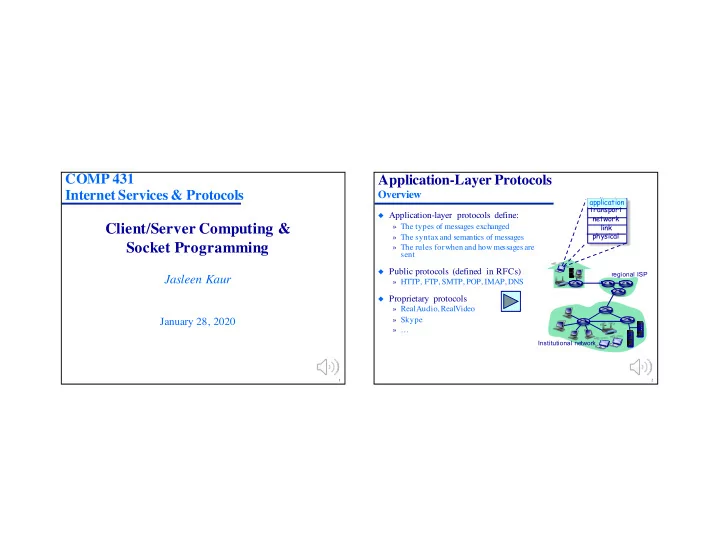
Application-Layer Protocols
Overview
◆ Application-layer protocols define:
» The types of messages exchanged » The syntax and semantics of messages » The rules for when and how messages are sent
◆ Public protocols (defined in RFCs)
» HTTP, FTP, SMTP, POP, IMAP, DNS
◆ Proprietary protocols
» RealAudio, RealVideo » Skype » …
application transport network link physical application
regional ISP Institutional network