DATAIR DC/Win Reports Webinar 6/28/2007 DC/Win Reports Report - - PDF document

datair dc win reports webinar 6 28 2007
SMART_READER_LITE
LIVE PREVIEW

DATAIR DC/Win Reports Webinar 6/28/2007 DC/Win Reports Report - - PDF document

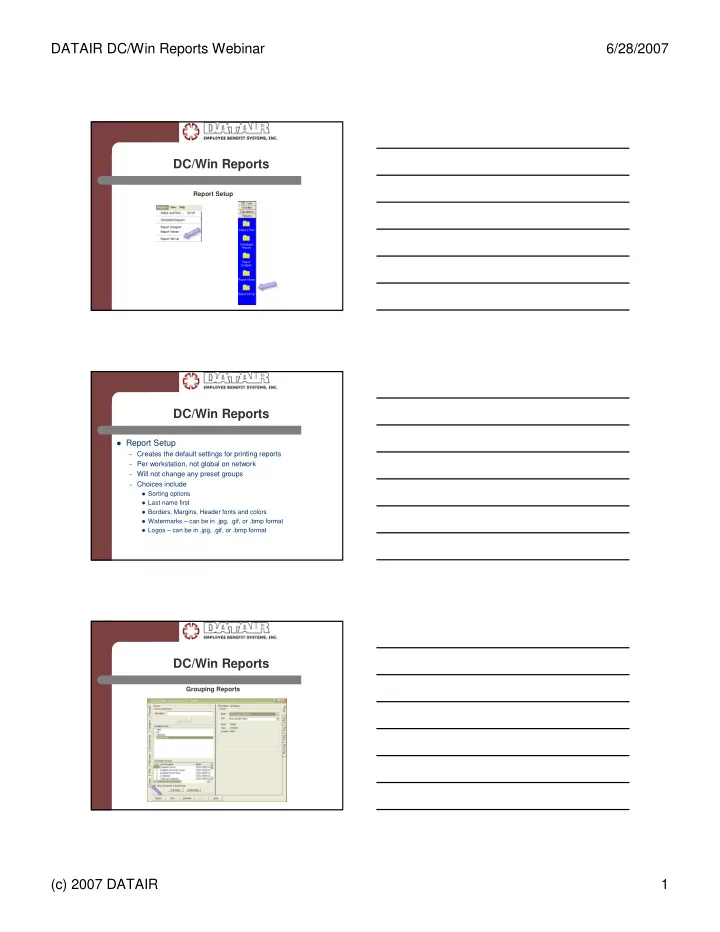
DATAIR DC/Win Reports Webinar 6/28/2007 DC/Win Reports Report Setup DC/Win Reports Report Setup Creates the default settings for printing reports Per workstation, not global on network Will not change any preset groups


slide-1
SLIDE 1

DATAIR DC/Win Reports Webinar 6/28/2007 (c) 2007 DATAIR 1

DC/Win Reports

Report Setup

DC/Win Reports

Report Setup

– Creates the default settings for printing reports – Per workstation, not global on network – Will not change any preset groups – Choices include Sorting options Last name first Borders, Margins, Header fonts and colors Watermarks – can be in .jpg, .gif, or .bmp format Logos – can be in .jpg, .gif, or .bmp format

DC/Win Reports

Grouping Reports

slide-2
SLIDE 2

DATAIR DC/Win Reports Webinar 6/28/2007 (c) 2007 DATAIR 2

DC/Win Reports

Grouping Reports

– Per workstation, not global on network – Once created will not be changed by later

changes to Report Setup

– Creating a Group

Select all reports and parameters Go to the Group tab Give a name and Save

DC/Win Reports

– Print group

Go to the Group Tab and check the group Hit Preview or Print options Can print more than one group at a time

– Editing Group

Go to the Group Tab Highlight the Group to change Click on Edit Go back to the individual reports and make changes Go to the Group Tab and click to save group again

DC/Win Reports

– Deleting Group

Go to the Group Tab Highlight the Group to Delete Click on Delete

slide-3
SLIDE 3

DATAIR DC/Win Reports Webinar 6/28/2007 (c) 2007 DATAIR 3

DC/Win Reports

Report Options

DC/Win Reports

Report Options

– Report Setup defaults guide the options, unless changed – Printing Printer or File Suppressing Dates, Page Numbers, Plan Idents Margins, Borders, Watermarks, Logos and Fonts – Selecting Report options – Sorting – Ordering – Log

DC/Win Reports

– Global Selections to all reports

Select Period for dates Show SSN/EEN Display Class, Division, Location Select Employee – except non-discrimination tests Otherwise Excludable and All Together Report Footnotes / Additional Footnote Filters Display Status Message

slide-4
SLIDE 4

DATAIR DC/Win Reports Webinar 6/28/2007 (c) 2007 DATAIR 4

DC/Win Reports

– Not global Selections for reports

Display Report Detail / Show Summary

– Show SSN/EEN – Select EE – With and Without Detail

Account Balance Top Heavy Limit on Deductible Contributions

DC/Win Reports

Print Preview

– Navigating between Reports

Table of Contents Page selections Pull down selection

– Tool Bar options – Binoculars to Search – Print Options – Export Options

DC/Win Reports

Report Filters

slide-5
SLIDE 5

DATAIR DC/Win Reports Webinar 6/28/2007 (c) 2007 DATAIR 5

DC/Win Reports

Filters

– Per workstation, not global on network – Creating a filter – Validating and saving – Choosing a filter when printing – Editing filter

DC/Win Reports

  • Specific reports to consider

Employee Census by Source

Vested Balance Report

Participant Certificates

Employees without Balances Vesting only, no account balances Since Inception Anticipated Date of Participation –

Required Minimum Distribution

401(a)4/410(b) Worksheet

Notes

Data Comparison

Override

Company List