
SLIDE 1
ENGINEERING COMPUTING SERVICES
(785) 532-4643 support@engg.ksu.edu http://cecs.engg.ksu.edu Please see reverse side for additional Instructions.
Q:\DOC\SIGNS\Presentation-systems\Edwards
Edwards Conference Room Instructions for the use of the Presentation System Quickstart
Tap the touchscreen to activate the system. This will power up the computer presentation computer. The wireless keyboard and mouse for the podium computer are stored inside the podium. Select your desired presentation source using the touch screen, and adjust the audio level if your presentation source includes.
To use the Presentation System
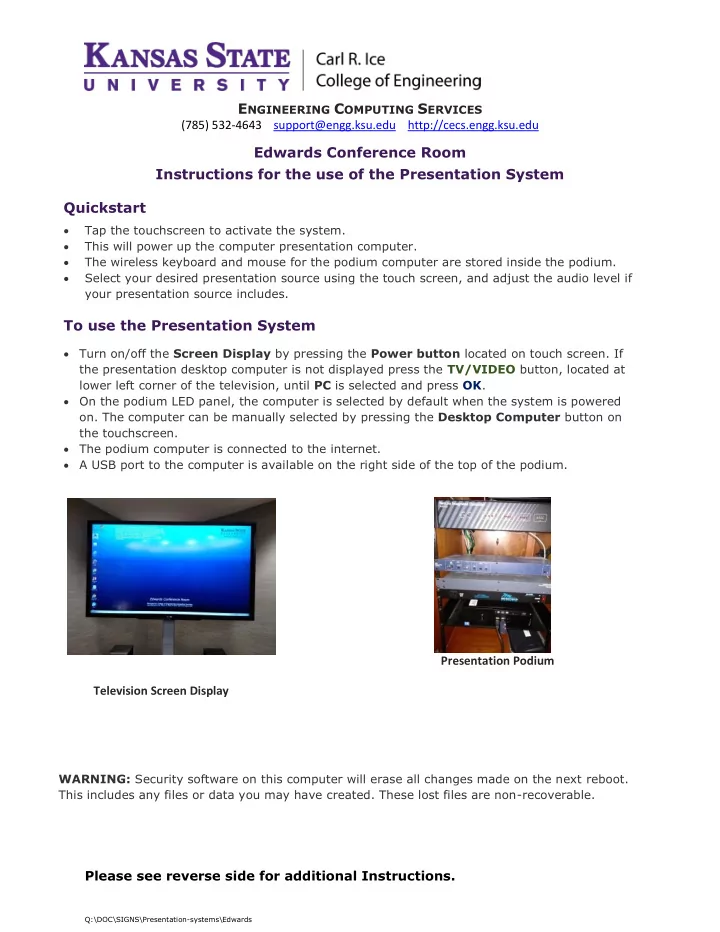
Turn on/off the Screen Display by pressing the Power button located on touch screen. If the presentation desktop computer is not displayed press the TV/VIDEO button, located at lower left corner of the television, until PC is selected and press OK. On the podium LED panel, the computer is selected by default when the system is powered
- n. The computer can be manually selected by pressing the Desktop Computer button on