
SLIDE 1
CS109
Exceptions
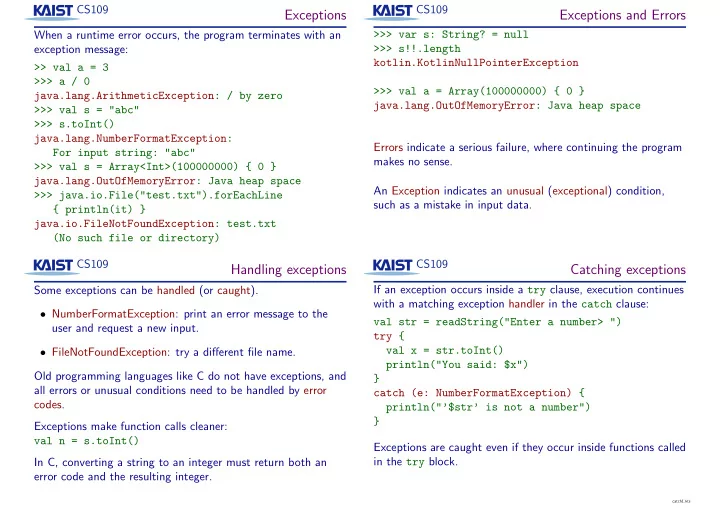
When a runtime error occurs, the program terminates with an exception message: >> val a = 3 >>> a / 0 java.lang.ArithmeticException: / by zero >>> val s = "abc" >>> s.toInt() java.lang.NumberFormatException: For input string: "abc" >>> val s = Array<Int>(100000000) { 0 } java.lang.OutOfMemoryError: Java heap space >>> java.io.File("test.txt").forEachLine { println(it) } java.io.FileNotFoundException: test.txt (No such file or directory) CS109
Exceptions and Errors
>>> var s: String? = null >>> s!!.length kotlin.KotlinNullPointerException >>> val a = Array(100000000) { 0 } java.lang.OutOfMemoryError: Java heap space Errors indicate a serious failure, where continuing the program makes no sense. An Exception indicates an unusual (exceptional) condition, such as a mistake in input data. CS109
Handling exceptions
Some exceptions can be handled (or caught).
- NumberFormatException: print an error message to the
user and request a new input.
- FileNotFoundException: try a different file name.
Old programming languages like C do not have exceptions, and all errors or unusual conditions need to be handled by error codes. Exceptions make function calls cleaner: val n = s.toInt() In C, converting a string to an integer must return both an error code and the resulting integer. CS109
Catching exceptions
If an exception occurs inside a try clause, execution continues with a matching exception handler in the catch clause: val str = readString("Enter a number> ") try { val x = str.toInt() println("You said: $x") } catch (e: NumberFormatException) { println("’$str’ is not a number") } Exceptions are caught even if they occur inside functions called in the try block.
catch1.kts