Grabbing frames from a camera and show the output Technische - - PowerPoint PPT Presentation

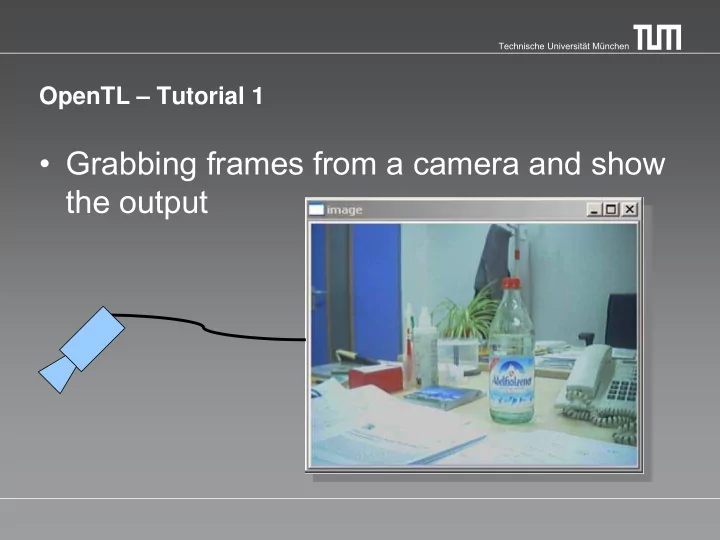
grabbing frames from a camera and show the output
SMART_READER_LITE
LIVE PREVIEW

Grabbing frames from a camera and show the output Technische - - PowerPoint PPT Presentation
Technische Universitt Mnchen OpenTL Tutorial 1 Grabbing frames from a camera and show the output Technische Universitt Mnchen HighAPI Input Detector Tracker Output Visual Modalities Model Projection Models CvProcess


slide-1
SLIDE 1

Technische Universität München

OpenTL – Tutorial 1

  • Grabbing frames from a camera and show

the output

slide-2
SLIDE 2

Technische Universität München

HighAPI Input Detector Tracker Output Visual Modalities Model Projection Models CvProcess Core Math

slide-3
SLIDE 3

Technische Universität München

  • Video-File
  • USB-Camera
  • Firewire Camera

→ in this tutorial we use Guppy firewire cameras from ALLIED vision technologies

Input – Image Sensors

slide-4
SLIDE 4

Technische Universität München

  • Create an instance of a camera:

→ input::FirewireCamera::createFirewireCamera(0)‏

  • Open the camera

→ camera->open();

  • You can set some features of the camera

→ camera->enableWhiteBalanceAuto(true) → camera->enableGainAuto(true)‏

  • Start the frame-grabbing:

→ camera->captureStart()

Firewire Camera

slide-5
SLIDE 5

Technische Universität München

  • Create a camera (as explained before)
  • Define a cvdata::Image pointer srcImage
  • Create an OpenCV Window:

→ cvNamedWindow("image",1);

  • Loop:

→ captureNext() → getImage() → show Image with OpenCV:

cvShowImage("image",srcImage->getIplImage());

  • Stop the frame capturing, close the camera

→ stop() → close()

Task – capture from a Firewire camera