HCI/CHI: Computer-Human Interaction Who knows best what users - - PowerPoint PPT Presentation

hci chi computer human interaction
SMART_READER_LITE
LIVE PREVIEW

HCI/CHI: Computer-Human Interaction Who knows best what users - - PowerPoint PPT Presentation

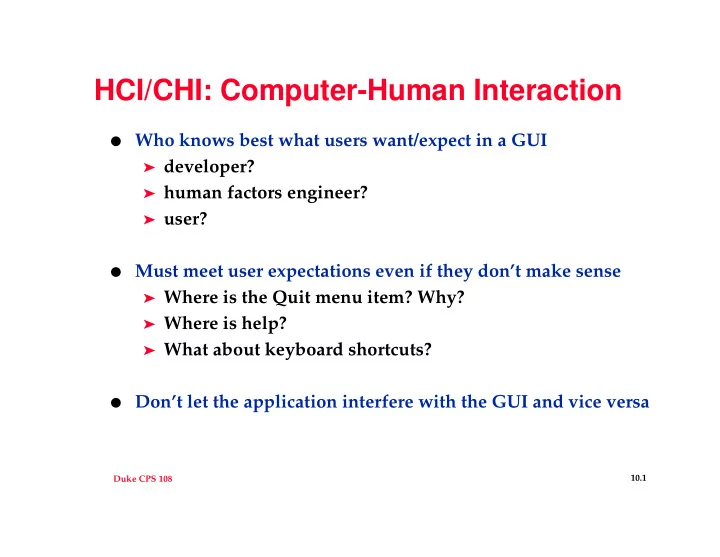
HCI/CHI: Computer-Human Interaction Who knows best what users want/expect in a GUI developer? human factors engineer? user? Must meet user expectations even if they dont make sense Where is the Quit menu item? Why?


slide-1
SLIDE 1

Duke CPS 108 10.1

HCI/CHI: Computer-Human Interaction

  • Who knows best what users want/expect in a GUI

➤ developer? ➤ human factors engineer? ➤ user?

  • Must meet user expectations even if they don’t make sense

➤ Where is the Quit menu item? Why? ➤ Where is help? ➤ What about keyboard shortcuts?

  • Don’t let the application interfere with the GUI and vice versa
slide-2
SLIDE 2

Duke CPS 108 10.2

GUI programming with C++

  • Widget is a generic term for a GUI component (aka window)

➤ listbox, file dialog, button, slidebar, radio button, ... ➤ widgets (components) typically have child widgets (see the

Composite pattern); when a widget is constructed it often requires a parent widget as a parameter

  • Design Heuristic: keep GUI and the application separate

➤ minimize coupling in a coupled environment ➤ re-use/redesign one part more easily

  • Design Heuristic

➤ don’t have widgets talk to each other (use mediator)

  • GUI/applications deal with event processing

➤ mouse clicks, button presses, slidebars, etc. ➤ what mechanism exists for processing events?

slide-3
SLIDE 3

Duke CPS 108 10.3

Qt, a GUI toolkit

  • events processed with signals and slots

➤ signal generates an event, e.g., button push ➤ slot processes the event, e.g., pop up a file dialog box

QPushButton * quitB = new QPushButton(“Quit”,...,...); connect (quitB, SIGNAL(clicked()), qApp, SLOT(quit());

  • qApp is a global variable, of type QApplication

➤ one QApplication per program defined first in main() ➤ main returns qApp.exec()

  • SIGNAL and SLOT are macros, expanded by a meta-object

compiler (moc)

➤ moc generates .cpp files from user-defined Qt subclasses

slide-4
SLIDE 4

Duke CPS 108 10.4

What about Designing GUIs?

  • Design decisions: who designs the GUI?
  • What (if anything) do you need to know about app internals?
  • Qt expertise, who has it? [remember, Java on the horizon]
  • Implementation

➤ Lay out the GUI [draw it, sketch it] ➤ get the main widgets up and running, but not connected ➤ develop methods/events that are application specific ➤ develop commands, menus, buttons, etc.

  • Compiling using moc, Qt classes, see Makefile
slide-5
SLIDE 5

Duke CPS 108 10.5

Avoid inter-widget dependencies

  • When widgets talk directly to each other the GUI is hard to

modify

➤ removing/changing a widget has (severe) repercussions ➤ widget code clutters up the GUI class ➤ solution: make widgets into classes, encapsulate state and

widget behavior into a class, often derived from a widget class: e.g., see FileList, FileDisplay in woogui

  • How do application and view/GUI communicate with each
  • ther?

➤ Direct communication leads to very tight coupling, hard to

modify classes

➤ use a mediator/controller class through which all

communication is processed

slide-6
SLIDE 6

Duke CPS 108 10.6

Mediator (GOF 273)

  • Problem: when to use mediator pattern:

➤ lots of objects communicate in well-defined, but complex

  • ways. Many interdependencies exist, unstructured, hard to

get a big picture.

➤ Object re-use is hard because each object is so specialized

and refers to lots of other objects

➤ behavior is distributed among several classes

  • Mediator is controller, colleagues are objects/widgets

➤ colleagues are decoupled ➤ control is centralized ➤ simplifies colleague/widget protocols ➤ colleague/widget classes are more re-usable

slide-7
SLIDE 7

Duke CPS 108 10.7

woogui: mediator and widgets (MVC)

slide-8
SLIDE 8

Duke CPS 108 10.8

Library information

  • Library: compiled .o files grouped together

➤ linked (at compile or run time) ➤ pre-process, compile, link: where are .h files used? ➤ order of linking/loading libraries matters, only needed

source is linked

  • ltapestry -lqt

vs.

  • lqt -ltapestry
  • Static library: linked at compile time, Dynamic/Shared library:

linked at run time

➤ not all systems/architectures support dynamic libraries ➤ either the code or the environment must know where

shared library is located: -R gmake or LD_LIBRARY_PATH environment variable