JavaScript DOM Lecture 19 CS 638 Web Programming Overview of - - PDF document

javascript dom
SMART_READER_LITE
LIVE PREVIEW

JavaScript DOM Lecture 19 CS 638 Web Programming Overview of - - PDF document

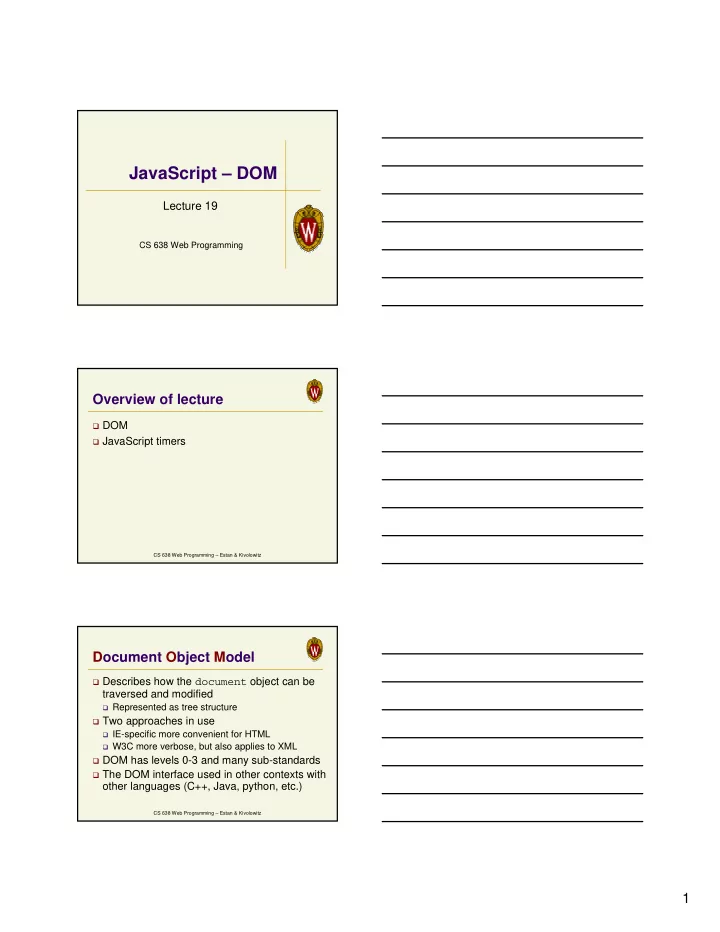
JavaScript DOM Lecture 19 CS 638 Web Programming Overview of lecture DOM JavaScript timers CS 638 Web Programming Estan & Kivolowitz Document Object Model Describes how the document object can be traversed and modified


slide-1
SLIDE 1

1

CS 638 Web Programming

JavaScript – DOM

Lecture 19

CS 638 Web Programming – Estan & Kivolowitz

Overview of lecture

DOM JavaScript timers

CS 638 Web Programming – Estan & Kivolowitz

Document Object Model

Describes how the document object can be

traversed and modified

Represented as tree structure

Two approaches in use

IE-specific more convenient for HTML W3C more verbose, but also applies to XML

DOM has levels 0-3 and many sub-standards The DOM interface used in other contexts with

  • ther languages (C++, Java, python, etc.)
slide-2
SLIDE 2

2

CS 638 Web Programming – Estan & Kivolowitz

The document as a tree

<html> <head> <title>A Document</title> </head> <body> <h1>A web page</h1> <p>A <i>simple</i> paragraph</p> </body> </html>

document <html> <head> <body> <title> “A document” <h1> <p> “A web page” “A ” “simple” “ paragraph” <i>

CS 638 Web Programming – Estan & Kivolowitz

Manipulating nodes

Traversing the element tree

Each node has childNodes array Can use properties firstChild, lastChild,

nextSibling, previousSibling

Firefox’s DOMInspector visualizes the DOM tree Firebug also allows you to browse DOM

nodeType property can be 1 (element), 2 (attribute),

3 (text), 8 (comment), 9 (document)

Can change structure using appendChild(),

removeChild(), replaceChild(), insertBefore()

CS 638 Web Programming – Estan & Kivolowitz

Tag attributes

Attribute nodes are ignored during traversal Elements have properties for attributes

Words capitalized – e.g. the body element has a

bgColor property corresponding to the HTML attribute bgcolor

Can assign strings to these properties Can also treat style attribute as an object with

properties of its own

Elements have methods getAttribute(),

setAttribute(), removeAttribute()

slide-3
SLIDE 3

3

CS 638 Web Programming – Estan & Kivolowitz

More DOM manipulation

The document object (and element objects) have

methods for finding specific elements

getElementsByTagName() returns an array with all

elements with the given tag name

getElementsByName() returns an array with all

elements with given name

getElementById() returns element with given ID To build new nodes, use the document object’s

methods createElement(tagName) and createTextNode(text)

Text node have appendData(), insertData(),

deleteData(), replaceData() methods

CS 638 Web Programming – Estan & Kivolowitz

Changing the structure

function addItalic(){ var i=document.createElement("i"); i.appendChild(document.createTextNode("italic")); addParagraph(i); } function addBold(){ var b=document.createElement("b"); b.appendChild(document.createTextNode("bold")); addParagraph(b); } function addParagraph(node){ var p=document.createElement("p"); p.appendChild(document.createTextNode("Some ")); p.appendChild(node); p.appendChild(document.createTextNode(" text.")); document.getElementById("playground").appendChild(p); } function clearAll(){ var d=document.getElementById("playground"); while(d.childNodes.length>0) d.removeChild(d.childNodes[0]); }

CS 638 Web Programming – Estan & Kivolowitz

Dynamic Colors

function changeBGColor(color){ var p=document.getElementById("para1"); p.style.backgroundColor=color; } function checkColor(){ var s=document.getElementById("textfield1").value; if (s.length!=6){ alert('Must enter six hex digits'); return; } for (var i=0;i<6;i++){ if(!((s[i]>='A' && s[i]<='F')|| (s[i]>='a' && s[i]<='f')|| (s[i]>='0' && s[i]<='9'))){ alert(" Character '"+s[i]+"' is not valid"); return; } } changeBGColor("#"+s); }

slide-4
SLIDE 4

4

CS 638 Web Programming – Estan & Kivolowitz

Overview of lecture

DOM JavaScript timers

CS 638 Web Programming – Estan & Kivolowitz

JavaScript timers

Used extensively in dynamic pages setTimeout(code,delay) tells browser to

execute code in delay milliseconds

If you save the return value, you can cancel

using clearTimeout(timeoutID)

setInterval() and clearInterval()

work similarly, but code is run periodically instead of just once

CS 638 Web Programming – Estan & Kivolowitz

Animations Example

var pos=0; function runAway(){ var image=document.getElementById("bucky"); if(pos==0){ image.style.left="250px"; image.style.top="50px"; pos=1;vpos=50; } else { image.style.left="50px"; image.style.top="50px"; pos=0;vpos=50; } setTimeout(“shiftImage()”,50); } var vpos=0; function shiftImage(){ var image=document.getElementById("bucky"); if(vpos<250){ vpos+=2; image.style.top=vpos+"px"; setTimeout(“shiftImage()”,50); } }