
SLIDE 1
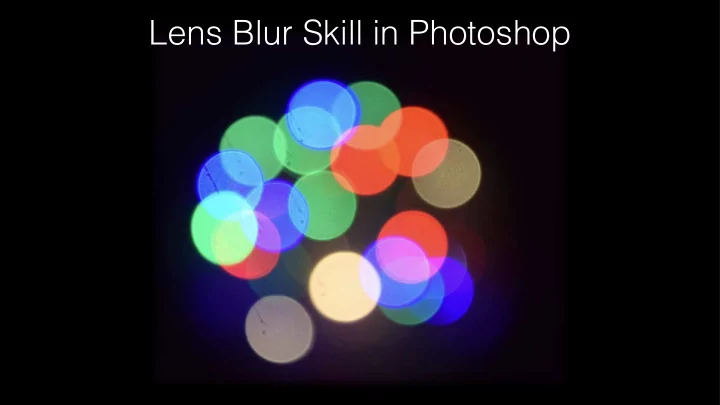
Lens Blur Skill in Photoshop Why to Blur in Photoshop ? Focus on - - PowerPoint PPT Presentation
Lens Blur Skill in Photoshop Why to Blur in Photoshop ? Focus on your subject Draw attention to a focal point Get a shallow depth of field Make the photographs visually appealing When you don t have
appealing
budget to buy a larger aperture lens!
create movement by using the Motion Blur Filter in Adobe Photoshop
can be used to focus
logo or graphics
used to create depth
the main subject from the rest of the foreground and background that could be distracting
Before After
Before After
Before After