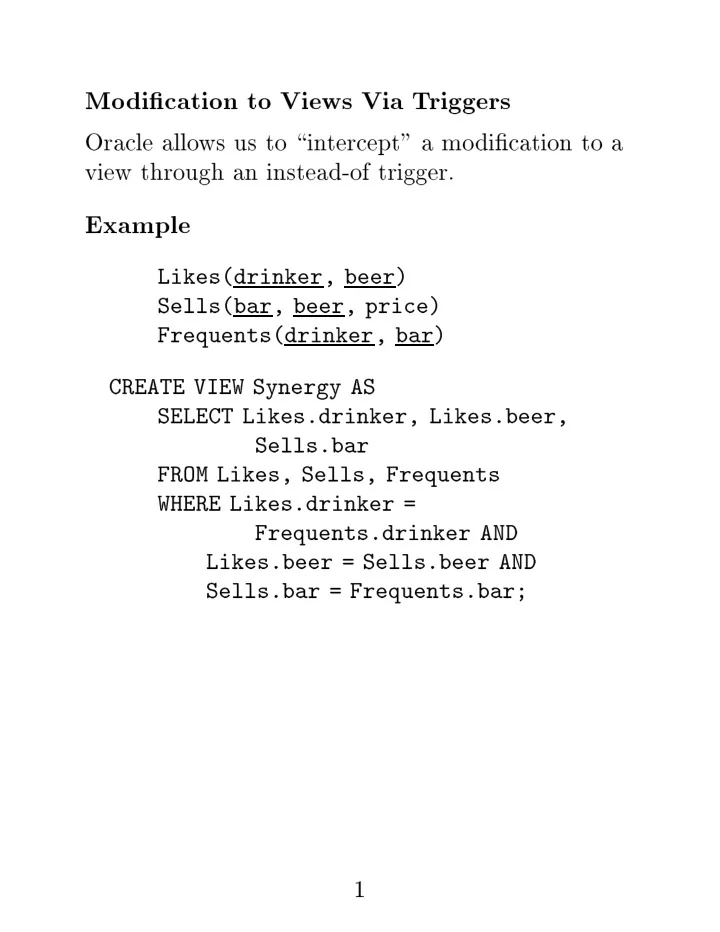
SLIDE 1 Mo dication to Views Via T riggers Oracle allo ws us to \in tercept" a mo dication to a view through an instead-of trigger. Example Likes(drinker , beer ) Sells(bar , beer , price) Frequents(drinker , bar) CREATE VIEW Synergy AS SELECT Likes.drinker, Likes.beer, Sells.bar FROM Likes, Sells, Frequents WHERE Likes.drinker = Frequents.drinker AND Likes.beer = Sells.beer AND Sells.bar = Frequents.bar; 1
SLIDE 2 CREATE TRIGGER ViewTrig INSTEAD OF INSERT ON Synergy FOR EACH ROW BEGIN INSERT INTO Likes VALUES( :new.drinker, :new.beer); INSERT INTO Sells(bar, beer) VALUES(:new.bar, :new.beer); INSERT INTO Frequents VALUES( :new.drinker, :new.bar); END; . run 2
SLIDE 3 SQL T riggers
in text.
dierences, including: 1. The Oracle restriction ab
not mo difying the relation
the trigger
relations link ed to it b y constrain ts is not presen t in SQL (but Oracle is real; SQL is pap er). 2. The action in SQL is a list
(restricted) SQL statemen ts, not a PL/SQL statemen t. 3
SLIDE 4 PL/SQL
v ersion
PSM (P ersisten t, Stored Mo dules).
✦
Use via sqlplus.
compromise b et w een completely pro cedural programming and SQL's v ery high-lev el, but limited statemen ts.
ws lo cal v ariables, lo
pro cedures, examination
relations
tuple at a time.
form: DECLARE declarations BEGIN executable statemen ts END; . run;
p
is
and run (or a slash in place
run;) are needed to end the statemen t and execute it. 4
SLIDE 5 Simplest F
Sequence
Mo dications Likes(drinker , beer ) BEGIN INSERT INTO Likes VALUES('Sally', 'Bud'); DELETE FROM Likes WHERE drinker = 'Fred' AND beer = 'Miller'; END; . run; 5
SLIDE 6 Pro cedures Stored database
jects that use a PL/SQL statemen t in their b
. Pro cedure Declarations CREATE OR REPLACE PROCEDURE <name>(<arglist>) AS <declarations> BEGIN <PL/SQL statemen ts> END; . run; 6
SLIDE 7
t list has name-mo de-t yp e triples.
✦
Mo de: IN, OUT,
IN OUT for read-
, write-only , read/write, resp ectiv ely .
✦
T yp es: standard SQL + generic t yp es lik e NUMBER = an y in teger
real t yp e.
✦
Since t yp es in pro cedures must matc h their t yp es in the DB sc hema, y
should generally use an expression
the form relation.attribut e%TYP E to capture the t yp e correctly . 7
SLIDE 8 Example A pro cedure to tak e a b eer and price and add it to Jo e's men u. Sells(bar , beer , price) CREATE PROCEDURE joeMenu( b IN Sells.beer%TYPE, p IN Sells.price%TYPE ) AS BEGIN INSERT INTO Sells VALUES('Joe''s Bar', b, p); END; . run;
\run"
stores the pro cedure; it do esn't execute the pro cedure. 8
SLIDE 9 In v
Pro cedures A pro cedure call ma y app ear in the b
a PL/SQL statemen t.
BEGIN joeMenu('Bud', 2.50); joeMenu('MooseDr
5.00); END; . run; 9
SLIDE 10 Assignmen t Assign expressions to declared v ariables with :=. Branc hes IF <condition> THEN <statemen t(s)> ELSE <statemen t(s)> END IF;
in nests, use ELSIF in place
ELSE IF. Lo
LOOP . . . EXIT WHEN <condition> . . . END LOOP; 10
SLIDE 11 Queries in PL/SQL 1. Single-r
sele cts allo w retriev al in to a v ariable
the result
a query that is guaran teed to pro duce
tuple. 2. Cursors allo w the retriev al
man y tuples, with the cursor and a lo
used to pro cess eac h in turn. 11
SLIDE 12 Single-Ro w Select
in PL/SQL must ha v e an INTO clause listing v ariables in to whic h a tuple can b e placed.
is an err
if the select-from-where returns more than
tuple; y
should ha v e used a cursor. Example Find the price Jo e c harges for Bud (and drop it
the
Sells(bar , beer , price) DECLARE p Sells.price%TYPE ; BEGIN SELECT price INTO p FROM Sells WHERE bar = 'Joe''s Bar' AND beer = 'Bud'; END; . run 12
SLIDE 13 Cursors Declare b y: CURSOR <name> IS select-from-where statemen t
gets eac h tuple from the relation pro duced b y the select-from-where, in turn, using a fetch statement in a lo
✦
F etc h statemen t: FETCH <cursor name> INTO v ariable list;
the lo
b y a statemen t
the form: EXIT WHEN <cursor name>%NOTFOUND;
✦
T rue when there are no more tuples to get.
en and close the cursor with OPEN and CLOSE. 13
SLIDE 14 Example A pro cedure that examines the men u for Jo e's Bar and raises b y $1.00 all prices that are less than $3.00. Sells(bar , beer , price)
simple price-c hange algorithm can b e implemen ted b y a single UPDATE statemen t, but more complicated price c hanges could not. 14
SLIDE 15 CREATE PROCEDURE joeGouge() AS theBeer Sells.beer%TYPE; thePrice Sells.price%TYPE; CURSOR c IS SELECT beer, price FROM Sells WHERE bar = 'Joe''s bar'; BEGIN OPEN c; LOOP FETCH c INTO theBeer, thePrice; EXIT WHEN c%NOTFOUND; IF thePrice < 3.00 THEN UPDATE Sells SET price = thePrice + 1.00 WHERE bar = 'Joe''s Bar' AND beer = theBeer; END IF; END LOOP; CLOSE c; END; . run 15
SLIDE 16 Ro w T yp es An ything (e.g., cursors, table names) that has a tuple t yp e can ha v e its t yp e captured with %ROWTYPE.
e can create temp
v ariables that ha v e tuple t yp es and access their comp
ts with dot.
when w e deal with tuples with man y attributes. 16
SLIDE 17 Example The same pro cedure with a tuple v ariable bp. CREATE PROCEDURE joeGouge() AS CURSOR c IS SELECT beer, price FROM Sells WHERE bar = 'Joe''s bar'; bp c%ROWTYPE; BEGIN OPEN c; LOOP FETCH c INTO bp; EXIT WHEN c%NOTFOUND; IF bp.price < 3.00 THEN UDPATE Sells SET price = bp.price + 1.00 WHERE bar = 'Joe''s Bar' AND beer = bp.beer; END IF; END LOOP; CLOSE c; END; . run 17