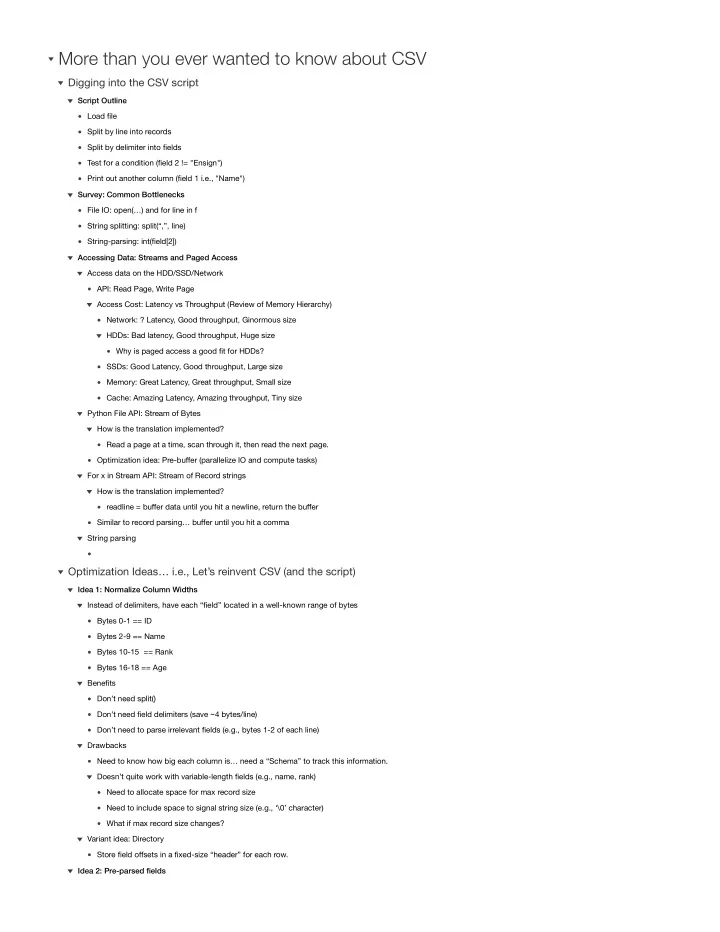

Load file Split by line into records Split by delimiter into fields Test for a condition (field 2 != "Ensign") Print out another column (field 1 i.e., "Name") Script Outline File IO: open(…) and for line in f String splitting: split(“,”, line) String-parsing: int(field[2]) Survey: Common Bottlenecks API: Read Page, Write Page Network: ? Latency, Good throughput, Ginormous size Why is paged access a good fit for HDDs? HDDs: Bad latency, Good throughput, Huge size SSDs: Good Latency, Good throughput, Large size Memory: Great Latency, Great throughput, Small size Cache: Amazing Latency, Amazing throughput, Tiny size Access Cost: Latency vs Throughput (Review of Memory Hierarchy) Access data on the HDD/SSD/Network Read a page at a time, scan through it, then read the next page. How is the translation implemented? Optimization idea: Pre-buffer (parallelize IO and compute tasks) Python File API: Stream of Bytes readline = buffer data until you hit a newline, return the buffer How is the translation implemented? Similar to record parsing… buffer until you hit a comma For x in Stream API: Stream of Record strings String parsing Accessing Data: Streams and Paged Access
Digging into the CSV script
Bytes 0-1 == ID Bytes 2-9 == Name Bytes 10-15 == Rank Bytes 16-18 == Age Instead of delimiters, have each “field” located in a well-known range of bytes Don’t need split() Don’t need field delimiters (save ~4 bytes/line) Don’t need to parse irrelevant fields (e.g., bytes 1-2 of each line) Benefits Need to know how big each column is… need a “Schema” to track this information. Need to allocate space for max record size Need to include space to signal string size (e.g., ‘\0’ character) What if max record size changes? Doesn’t quite work with variable-length fields (e.g., name, rank) Drawbacks Store field offsets in a fixed-size “header” for each row. Variant idea: Directory Idea 1: Normalize Column Widths Idea 2: Pre-parsed fields