
SLIDE 1
Imperial College London - Department of Computing
MSc Advanced Computing, MSc Computing (Spec.)
- Comp. 4th year, ISE 4th year & JMC 4th year
480 AUTOMATED REASONING CBC Otter Practice (Assessed)
Issued: 30 October 2012 Due: 12 November 2011
Before running Otter
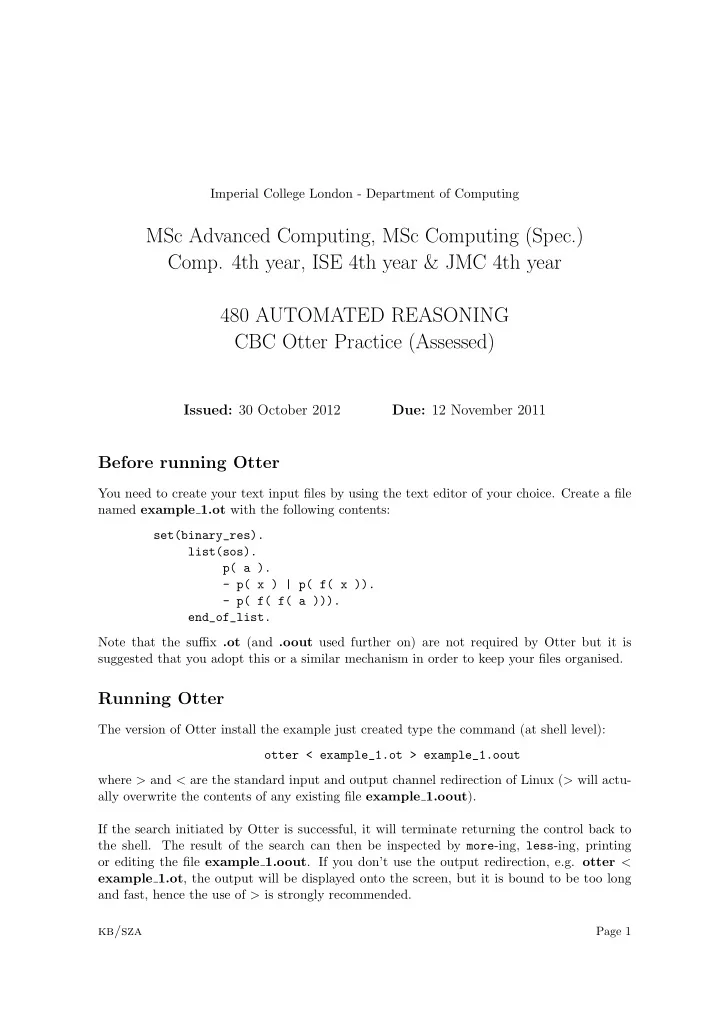
You need to create your text input files by using the text editor of your choice. Create a file named example 1.ot with the following contents: set(binary_res). list(sos). p( a ).
- p( x ) | p( f( x )).
- p( f( f( a ))).
end_of_list. Note that the suffix .ot (and .oout used further on) are not required by Otter but it is suggested that you adopt this or a similar mechanism in order to keep your files organised.
Running Otter
The version of Otter install the example just created type the command (at shell level):
- tter < example_1.ot > example_1.oout
where > and < are the standard input and output channel redirection of Linux (> will actu- ally overwrite the contents of any existing file example 1.oout). If the search initiated by Otter is successful, it will terminate returning the control back to the shell. The result of the search can then be inspected by more-ing, less-ing, printing
- r editing the file example 1.oout. If you don’t use the output redirection, e.g. otter <