
8/22/18 1
Liang, Introduction to Java Programming, Tenth Edition, (c) 2015 Pearson Education, Inc. All rights reserved.
1
Chapter 1: Introduction to Computers, Programs, and Java
CS1: Java Programming Colorado State University
Original slides by Daniel Liang Modified slides by Chris Wilcox
Liang, Introduction to Java Programming, Tenth Edition, (c) 2015 Pearson Education, Inc. All rights reserved.
2
Objectives
✦ To understand computer basics, programs, and operating systems (§§1.2–1.4). ✦ To describe the relationship between Java and the World Wide Web (§1.5). ✦ To understand the meaning of Java language specification, API, JDK, and IDE
(§1.6).
✦ To write a simple Java program (§1.7). ✦ To display output on the console (§1.7). ✦ To explain the basic syntax of a Java program (§1.7). ✦ To create, compile, and run Java programs (§1.8). ✦ To use sound Java programming style and document programs properly (§1.9). ✦ To explain the differences between syntax errors, runtime errors, and logic
errors (§1.10).
✦ To develop Java programs using NetBeans (§1.11). ✦ To develop Java programs using Eclipse (§1.12).
Liang, Introduction to Java Programming, Tenth Edition, (c) 2015 Pearson Education, Inc. All rights reserved.
3
JDK Editions
✦ Java Standard Edition (J2SE)
– J2SE can be used to develop client-side standalone applications or applets.
✦ Java Enterprise Edition (J2EE)
– J2EE can be used to develop server-side applications such as Java servlets, Java ServerPages, and Java ServerFaces.
✦ Java Micro Edition (J2ME).
– J2ME can be used to develop applications for mobile devices such as cell phones.
This book uses J2SE to introduce Java programming.
Liang, Introduction to Java Programming, Tenth Edition, (c) 2015 Pearson Education, Inc. All rights reserved.
4
Popular Java IDEs
✦ NetBeans ✦ Eclipse
Liang, Introduction to Java Programming, Tenth Edition, (c) 2015 Pearson Education, Inc. All rights reserved.
5
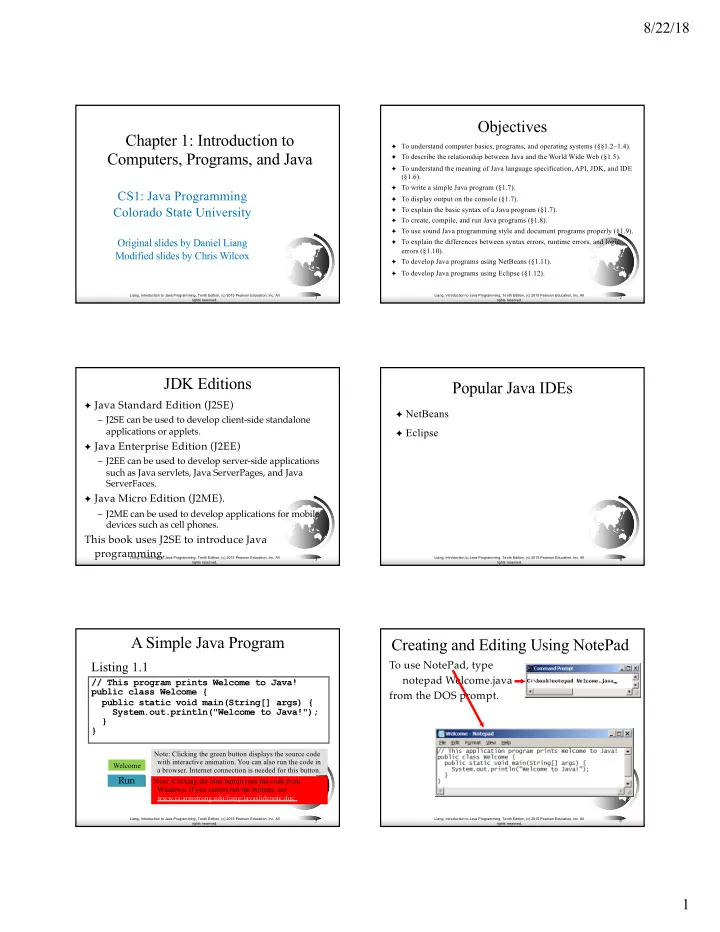
A Simple Java Program
// This program prints Welcome to Java! public class Welcome { public static void main(String[] args) { System.out.println("Welcome to Java!"); } } Run
Listing 1.1
Note: Clicking the blue button runs the code from
- Windows. If you cannot run the buttons, see
www.cs.armstrong.edu/liang/javaslidenote.doc. Welcome Note: Clicking the green button displays the source code with interactive animation. You can also run the code in a browser. Internet connection is needed for this button.
Liang, Introduction to Java Programming, Tenth Edition, (c) 2015 Pearson Education, Inc. All rights reserved.
6