SLIDE 1 1
IT360: Applied Database Systems PHP Arrays, Files, Functions
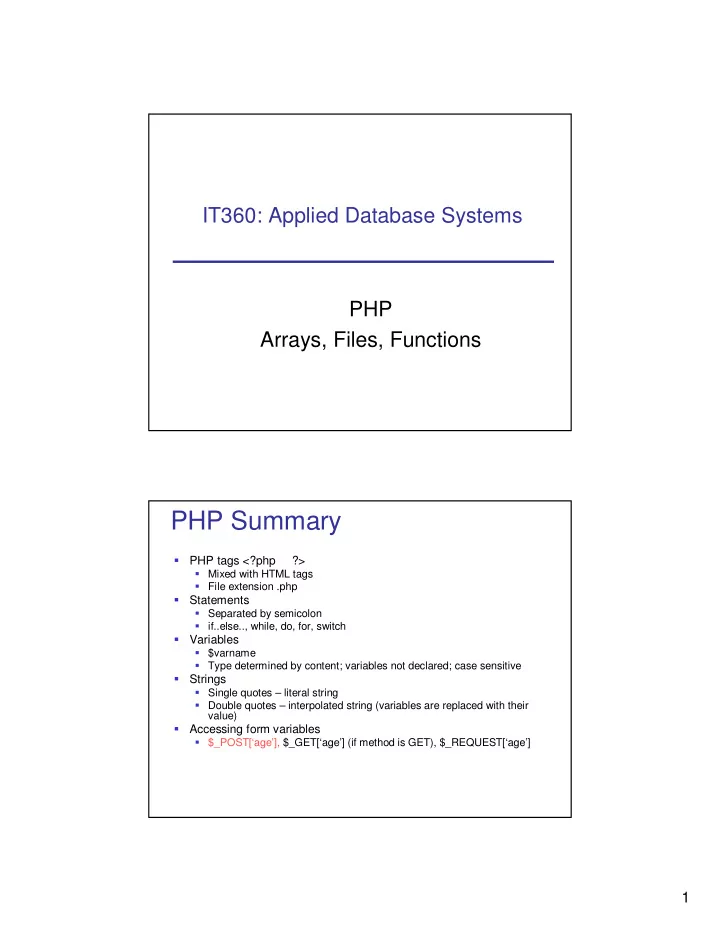
PHP Summary
?>
Mixed with HTML tags File extension .php
Separated by semicolon if..else.., while, do, for, switch
$varname Type determined by content; variables not declared; case sensitive
Single quotes – literal string Double quotes – interpolated string (variables are replaced with their value)
$_POST[‘age’], $_GET[‘age’] (if method is GET), $_REQUEST[‘age’]
SLIDE 2
2
PHP Summary
PHP objects
Java-like inheritance public, private, or protected attributes and methods __construct(), __destruct(), __set(), __get()
PHP functions
function myFunction($param1, $param2){…}
Files
resource fopen(string $fileName, string $mode) int fwrite(resource $handle, string $someText) int fclose(resource $handle) string fgets(resource $handle) boolean feof(resource $handle)
Outline
Arrays Files Functions
SLIDE 3 3
Arrays
<!DOCTYPE html PUBLIC "-//W3C//DTD XHTML 1.1//EN" "http://www.w3.org/TR/xhtml11//DTD/xhtml11.dtd"> <html xmlns = "http://www.w3.org/1999/xhtml"> <head><title>IT360 Arrays</title></head> <body> <?php require_once('array_functions.inc.php'); //create array $products = array('Tires','Oil'); $products[2] = 'Sparc Plugs'; //display array display_array('The content of $products array is:',$products); //create associative array $prices = array('Tires'=>100,'Oil'=>10); $prices['Spark Plugs'] = 4; //display associative array display_assoc_array('The content of $prices array is:', $prices); //sort array sort($products); display_array('The content of $products array in sorted order is:',$products); $prices2 = $prices; ksort($prices); display_assoc_array('The content of $prices array sorted by key is:', $prices); asort($prices2); display_assoc_array('The content of $prices array sorted by values is:', $prices2); ?> </body></html>
array_functions.inc.php
<?php function display_array($caption, $array){ echo "<h3> $caption </h3> <p>"; for($i=0; $i< count($array); $i++){ echo "Element $i is $array[$i] <br />"; } echo '</p>'; } function display_assoc_array($caption, $array){ echo "<h3> $caption </h3> <p>"; foreach($array as $key => $value){ echo "Current element is $key with value $value <br />"; } echo '</p>'; } ?>
SLIDE 4
4
Class Exercise
Create an array containing the following values: (1900, 2000, 2004, 2005 ). Use the array in a “foreach” loop to test if the value is a leap year. If it is a leap year print “XXXX is a leap year” Else print “XXXX is not a leap year” A year is a leap year if it is divisible by 4. If the year is also divisible by 100 then it is NOT a leap year unless it is also divisible by 400. Thus, 1900 is not a leap year (divisible by 100 but not 400) while 2000 is a leap year (divisible by 400).
SLIDE 5 5
Outline
Arrays More About Files More About Functions
fopen() modes
Read/Write. Creates new file. Returns FALSE and error if file already exists x+ Write only. Creates new file. Returns FALSE and error if file already exists x Read/Write. Preserves file content by writing to end of file a+ Write only. Opens and writes to end of file or creates new file if it doesn't exist a Read/Write. Opens and clears contents of file; or creates new file if it doesn't exist w+ Write only. Opens and clears contents of file; or creates new file if it doesn't exist w Read/Write. Starts at beginning of file r+ Read only. Starts at beginning of file r
SLIDE 6
6
More Files: Read Line from File
string = fgets(filePointer, [maxLength]) string = fgetss(filePointer, [maxLength] [, allowableTags]) array = fgetcsv(filePointer, [maxLength] [, string delimiter])
Read Whole File
int readfile(fileName) int fpassthru(filePointer) array file(fileName) string file_get_contents(fileName)
SLIDE 7
7
Other Reads
char fgetc(filePointer) string fread(filePointer, nbBytes)
Useful File Functions
bool file_exists(fileName) int filesize(fileName) bool unlink(fileName)
SLIDE 8 8
File Locking
function save_to_file($text, $fileName = "myFile.txt"){ $fp = @fopen($fileName, 'a'); if (!$fp){ echo "<p>ERROR: Could not open file $fileName. </p>"; return FALSE; } else{ flock($fp, LOCK_EX); fwrite($fp, $text); flock($fp, LOCK_UN); fclose($fp); return TRUE; } }
File Permissions
Ownership: Input/Output files usually NOT owned by “Web Server”. – Operating system may enforce read, write, and/or modify restrictions on I/O files – For file output/append, may need to create file prior to first use – File permissions need set for access by the “web server” account (Right-click on file, pick Properties, then set permissions like example on right)
SLIDE 9
9
Class Exercise
Create PHP script to:
Open/create a file, without overwriting it Write the numbers 1 to 20 to file, separated by space Close the file
Outline
Arrays More About Files More About Functions
SLIDE 10 10
Function Parameters
<?php function start_table($border, $cellspacing=2, $cellpadding=2){ echo “<table border = $border cellspacing = $cellspacing cellpadding = $cellpadding>”; } ?>
start_table(2,3,4) start_table(1) start_table(2,3)
Functions with Variable Number of Parameters
<?php function print_function_params(){ echo 'Number of parameters:'; echo func_num_args(); echo '<br />'; $args = func_get_args(); foreach($args as $arg){ echo $arg . '<br />'; } } print_function_params(‘one’, ‘two’); print_function_params(); print_function_params(1,2,3); ?>
SLIDE 11 11
Variables Scope
Variables declared in functions are visible from declaration line to end of function – local variables Variables declared outside functions are visible from declaration line to end of file, but not inside functions – global variables Superglobal variables ($_POST, $_SERVER, …) are visible everywhere Keyword global makes local variables global – not recommended
Variables Scope Example
<?php function fn(){ $x = 'content'; } fn(); echo 'Value of $x is '. $x; ?>
SLIDE 12 12
Variables Scope Example 2
<?php $x = 'content 1 <br/>'; echo 'Content of $x after initialization is '. $x . '<br />'; function fn(){ echo 'Content of $x at start of function is '. $x. '<br />'; $x = 'content 2 <br/>'; echo 'Content of $x at end of function is '. $x. '<br />'; } fn(); echo 'Value of $x after calling fn() is '. $x. '< br />'; ?>
Summary
Arrays
Numerically indexed Associative Sort
Files
Functions to work with files File locking
Functions
Optional/variable number of parameters Variable scope