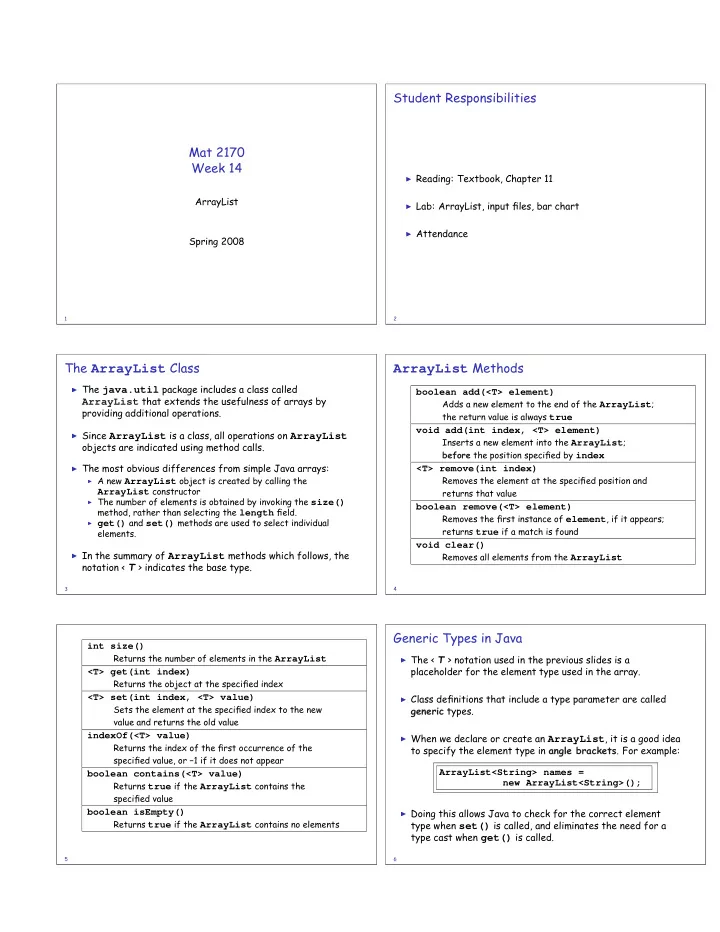

SLIDE 1
Mat 2170 Week 14
ArrayList Spring 2008
1
Student Responsibilities
◮ Reading: Textbook, Chapter 11 ◮ Lab: ArrayList, input files, bar chart ◮ Attendance
2
The ArrayList Class
◮ The java.util package includes a class called
ArrayList that extends the usefulness of arrays by
providing additional operations.
◮ Since ArrayList is a class, all operations on ArrayList
- bjects are indicated using method calls.
◮ The most obvious differences from simple Java arrays:
◮ A new ArrayList object is created by calling the
ArrayList constructor
◮ The number of elements is obtained by invoking the size()
method, rather than selecting the length field.
◮ get() and set() methods are used to select individual
elements.
◮ In the summary of ArrayList methods which follows, the
notation < T > indicates the base type.
3
ArrayList Methods
boolean add(<T> element)
Adds a new element to the end of the ArrayList; the return value is always true
void add(int index, <T> element)
Inserts a new element into the ArrayList; before the position specified by index
<T> remove(int index)
Removes the element at the specified position and returns that value
boolean remove(<T> element)
Removes the first instance of element, if it appears; returns true if a match is found
void clear()
Removes all elements from the ArrayList
4
int size()
Returns the number of elements in the ArrayList
<T> get(int index)
Returns the object at the specified index
<T> set(int index, <T> value)
Sets the element at the specified index to the new value and returns the old value
indexOf(<T> value)
Returns the index of the first occurrence of the specified value, or −1 if it does not appear
boolean contains(<T> value)
Returns true if the ArrayList contains the specified value
boolean isEmpty()
Returns true if the ArrayList contains no elements
5
Generic Types in Java
◮ The < T > notation used in the previous slides is a
placeholder for the element type used in the array.
◮ Class definitions that include a type parameter are called
generic types.
◮ When we declare or create an ArrayList, it is a good idea
to specify the element type in angle brackets. For example: ArrayList<String> names = new ArrayList<String>();
◮ Doing this allows Java to check for the correct element
type when set() is called, and eliminates the need for a type cast when get() is called.
6