
SLIDE 1
D2L ePortfolio Support ‐ D2L Services at 610‐436‐3550, x2 | d2l@wcupa.edu | D2L Services, Anderson Room 3 For questions/guidance on content requirements for First Year Writing ePortfolio, contact your instructor, or the FYW Program at firstyearwriting@wcupa.edu
FIRST YEAR WRITING D2L EPORTFOLIO STUDENT OVERVIEW – CREATING A PRESENTATION
ePortfolio is a personal portfolio tool for storing, organizing, reflecting on, and sharing items that represent your
- learning. You can include items such as documents, graphics, audio files, videos, slide shows, and course work to
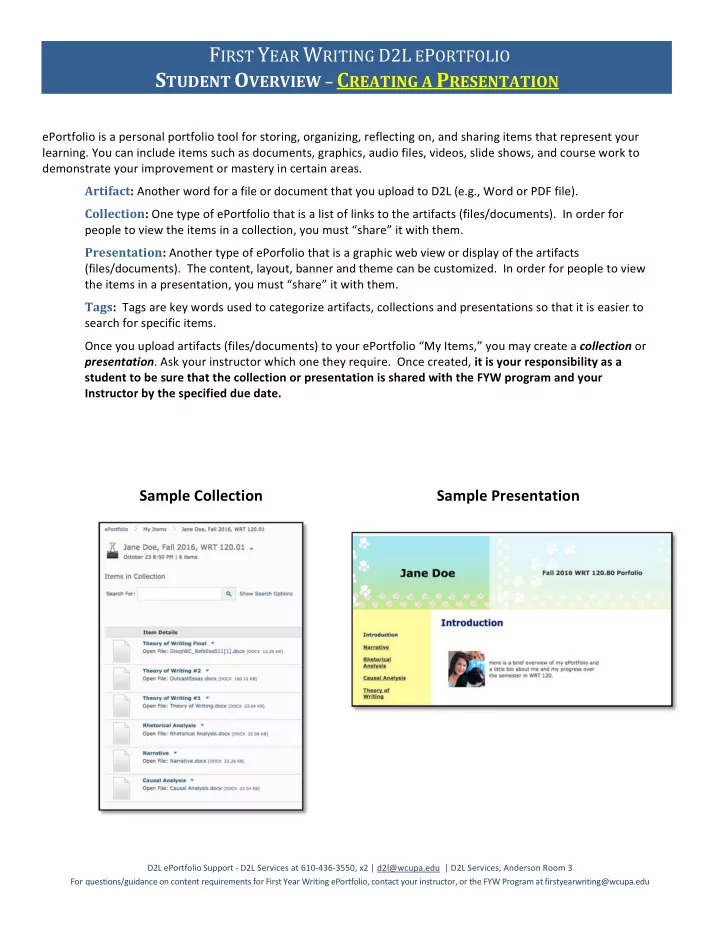
demonstrate your improvement or mastery in certain areas. Artifact: Another word for a file or document that you upload to D2L (e.g., Word or PDF file). Collection: One type of ePortfolio that is a list of links to the artifacts (files/documents). In order for people to view the items in a collection, you must “share” it with them. Presentation: Another type of ePorfolio that is a graphic web view or display of the artifacts (files/documents). The content, layout, banner and theme can be customized. In order for people to view the items in a presentation, you must “share” it with them. Tags: Tags are key words used to categorize artifacts, collections and presentations so that it is easier to search for specific items. Once you upload artifacts (files/documents) to your ePortfolio “My Items,” you may create a collection or
- presentation. Ask your instructor which one they require. Once created, it is your responsibility as a