School of Continuing Studies CS 395: Advanced What is Computer - - PDF document

school of continuing studies cs 395 advanced what is
SMART_READER_LITE
LIVE PREVIEW

School of Continuing Studies CS 395: Advanced What is Computer - - PDF document

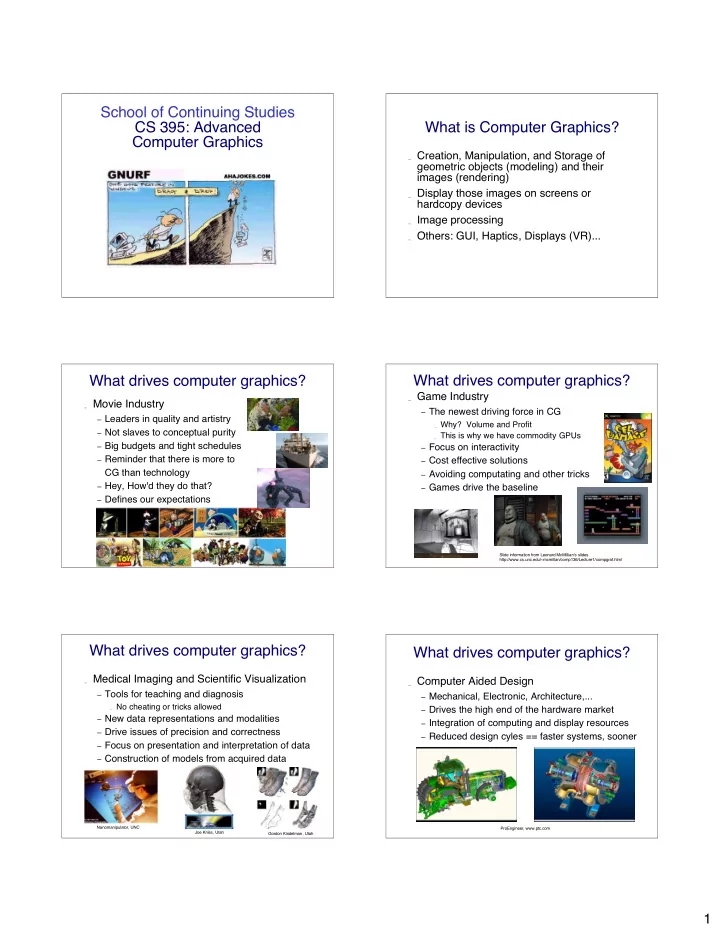
School of Continuing Studies CS 395: Advanced What is Computer Graphics? Computer Graphics _ Creation, Manipulation, and Storage of geometric objects (modeling) and their images (rendering) _ Display those images on screens or hardcopy devices


slide-1
SLIDE 1

1

School of Continuing Studies CS 395: Advanced Computer Graphics

CS 351

What is Computer Graphics?

_ Creation, Manipulation, and Storage of

geometric objects (modeling) and their images (rendering)

_ Display those images on screens or

hardcopy devices

_ Image processing _ Others: GUI, Haptics, Displays (VR)...

What drives computer graphics?

_ Movie Industry

– Leaders in quality and artistry – Not slaves to conceptual purity – Big budgets and tight schedules – Reminder that there is more to

CG than technology

– Hey, How'd they do that? – Defines our expectations

Slide information from Leonard McMillian's slides http://www.cs.unc.edu/~mcmillan/comp136/Lecture1/compgraf.html

What drives computer graphics?

_ Game Industry

– The newest driving force in CG

_ Why? Volume and Profit _ This is why we have commodity GPUs

– Focus on interactivity – Cost effective solutions – Avoiding computating and other tricks – Games drive the baseline

Slide information from Leonard McMillian's slides http://www.cs.unc.edu/~mcmillan/comp136/Lecture1/compgraf.html

What drives computer graphics?

_ Medical Imaging and Scientific Visualization

– Tools for teaching and diagnosis

_ No cheating or tricks allowed

– New data representations and modalities – Drive issues of precision and correctness – Focus on presentation and interpretation of data – Construction of models from acquired data

Nanomanipulator, UNC Joe Kniss, Utah Gordon Kindelman, Utah

What drives computer graphics?

_ Computer Aided Design

– Mechanical, Electronic, Architecture,... – Drives the high end of the hardware market – Integration of computing and display resources – Reduced design cyles == faster systems, sooner

ProEngineer, www.ptc.com

slide-2
SLIDE 2

2

What drives computer graphics?

_ Graphic User Interfaces (GUI)

– www.webpagesthatsuck.com

Slide information from Leonard McMillian's slides http://www.cs.unc.edu/~mcmillan/comp136/Lecture1/compgraf.html

What is Computer Graphics?

_ Rendering

– Photorealistic – Non-Photorealistic – Image-based techniques – Texture Synthesis

_ Modeling _ Interaction: Perception and Virtual Environments _ Hardware Rendering _ Animation _ Simulation and Dynamics Slide information from Richard Riesenfeld

Rendering

_ Many think/thought graphics synonymous

with rendering

_ Well researched

– Working on second and third order effects – Fundamentals largely in place

Rendering

_ Major areas:

– Ealiest: PhotoRealism – Recent: Non-Photorealistic Graphics (NPR) – Recent: Image-based Rendering (IBR)

Rendering

_ Ray Tracing has become practical

– Extremely high quality images – Photorealism, animation, special effects

_ Accurate rendering, not just pretty

Rendering Realism

Morning Evening a preetham, et.

slide-3
SLIDE 3

3

Rendering Realism

Cornel Measurement Lab

Rendering Realism

Real Synthetic

Shirley, et. al., cornell

Is this real?

m fajaro, usc

Terrain Modeling: Snow and Trees Added

s premoze, et.al., utah

Growth Models

  • deusson,

Rendering/Modeling Hair

http://www.rhythm.com/~ivan/hairRender.html /Users/gooch/Desktop/tabby.qt.moov

slide-4
SLIDE 4

4

Humans

Final Fantasy (Sony) Jensen et al.

Scientific Visualization

Johnson et al., Utah

National Library of Medicine Visual Human

Is Photorealism Everything? Is Photorealism Everything? Non-Photorealistic Rendering

b gooch, et.al., utah

Tone Shading

a gooch, et. al., utah

slide-5
SLIDE 5

5

NonPhotorealistic Rendering Image Based Rendering

_ Model light field _ Do not have to model geometry _ Good for complex 3D scenes _ Can leave holes where no data is available

3D Scene Capture

Fuchs et.al., UNC

UNC and UVA

3D Scene Recreation

Faugeras et. al

360o Scan

p willemsen, et. al., utah

Modeling

_ Many model reps

– Bezier, B-spline, box splines, simplex splines,

polyhedral splines, quadrics, super-quadrics, implicit, parametric, subdivision, fractal, level sets, etc (not to mention polygonal)

slide-6
SLIDE 6

6

Modeling

_ Physically based

– Newton – Behavior as well as geometry

_ Materials

– Metal, cloth, organic forms, fluids, etc

_ Procedural (growth) models

Modeling... is hard

_ Complexity _ Shape _ Specifying _ Realistic constraints _ Detail vs concept _ Tedious, slow

s drake, et. al., utah

Modeling is hard

_ Mathematical challenge _ Computational challenge _ Interaction challenge _ Display challenge (want 3D) _ Domain knowledge, constraints

Growth Models

  • deusson,

Model Capture

marc levoy, et. al., stanford

Models

D Johnson and J D St Germain, Utah Russ Fish et al., Utah

slide-7
SLIDE 7

7

Interaction

_ Way behind rest of graphic's spectacular

advances

_ Still doing WIMP:

– Windows, icons, menus, pull-downs/pointing

_ Once viewed as “soft” research

– Turns out to be one of hardest problems

Interaction still needs...

_ Better input devices _ Better output devices _ Better interaction paradigms _ Better understanding of HCI

– Bring in psychologists

Hardware: Amazing Changes

_ Fundamental architecture shift

– Dual computing engines:

_ CPU and GPU _ More in GPU than CPU

Hardware: Amazing Changes

_ Fast, cheap GPUs

– ~$300

_ Cheap memory _ Displays at low cost

– How many monitors do you have/use?

Hardware: Amazing Changes

_ Wired -> Unwired _ World of Access

Hardware... some not so good

_ Devices _ 3D displays _ Etc

slide-8
SLIDE 8

8

Hardware

_ How old is Nvidia _ How big is Nvidia _ QED

In This Class

_ We will read lots of papers _ Most important is reading papers

– State what you found to be the most interesting – What you were confused about or would like to

understand better

_ Presentations

Np Required Books Each class

_ Introduction Lecture by me _ At least 2 paper reviews led by student _ Occasional Animation viewing _ Project discussion and help session _ At least one 15 minute break in the middle

Grades

_ 15 % = Class participation _ 35 % = Presentations _ 50 % = Project