
SLIDE 1
Shared Portable Moodle
Taking online learning offline to support disadvantaged students
Stephen Grono, School of Education University of New England, Armidale sgrono2@une.edu.au @calvinbal
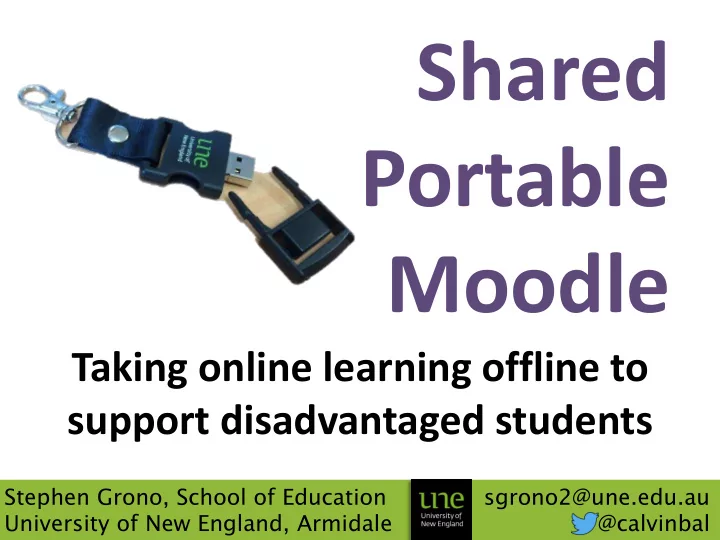
Shared Portable Moodle Taking online learning offline to support - - PowerPoint PPT Presentation
Shared Portable Moodle Taking online learning offline to support disadvantaged students Stephen Grono, School of Education sgrono2@une.edu.au University of New England, Armidale @calvinbal Shared Portable Moodle Taking online learning
Shared Portable Moodle
Taking online learning offline to support disadvantaged students
Stephen Grono, School of Education University of New England, Armidale sgrono2@une.edu.au @calvinbal
Shared Portable Moodle
Taking online learning offline to support disadvantaged students
Stephen Grono, School of Education University of New England, Armidale sgrono2@une.edu.au @calvinbal
Online Learning
Distance Education
Rich, Accessible Learning
provide a rich space for learners to share, regardless of their geographical location.
increasingly interactive, adaptive, collaborative and multimodal formats.
And that’s the assumption we make.
Finding a solution?
multimodal, interactive approach
learning design within the unit
A (very) brief literature review
similar ideas. Many as far back as around
beyond these early discussions circa 2007…
– Open University UK’s Moodle Client project – Colin Chambers’ Offline Moodle project – Jolongo, utilising MS Air – MAF-LT’s Poodle, using Moodle 1.9 – Nearly Virtual’s 2014 updated Poodle 2.7, by manually upgrading from the above project’s ‘2.1 beta’
A (very) brief literature review II
around a particular project. These ones often were looking into syncing & client programs.
draw from, and a positive future in supporting these students, but not a lot that was current.
customise, adapt & update.
Shared Portable Moodle (spoodle)
access, or partial/restricted internet.
student’s own computer, so can contain theme, settings & plugins from UNE Moodle.
Some quick math with dogs
Some quick math with dogs
So its sort of a spoodle
What it is
materials normally found within Moodle
design the modules were intended to be engaged with, and in their intended context
blank copy of Moodle, to be send via USB
What it isn’t
Moodle to local portable version. There’s no sync magic here.
– This is good for security / data integrity – But not so good if the lecturer is still designing course materials throughout the trimester
to the local copy where they’ll never be seen, intentionally disabled submission for students
– Still arrange proper submission case by case
The semi-technical - what we changed
moodle.org packages – XAMPP bundle, forced into Portable mode, with a customised ‘click to start’ exe file for easy launch. Launcher will auto-load homepage in default browser.
will adapt to the drive letter (or can be copied into the base C:/ drive for faster running).
The semi-technical - what we changed II
changes without needing to update mysql
… and a few other small changes
S for Shared
http://steve.moodlecloud.com
have been changed, so you can adapt to suit (and update to latest versions if I go missing)