
SLIDE 1
Sponsored by the Distance Learning Center (DLC). Division of Undergraduate Education (DUE) and Office Of Information Technology (OIT)
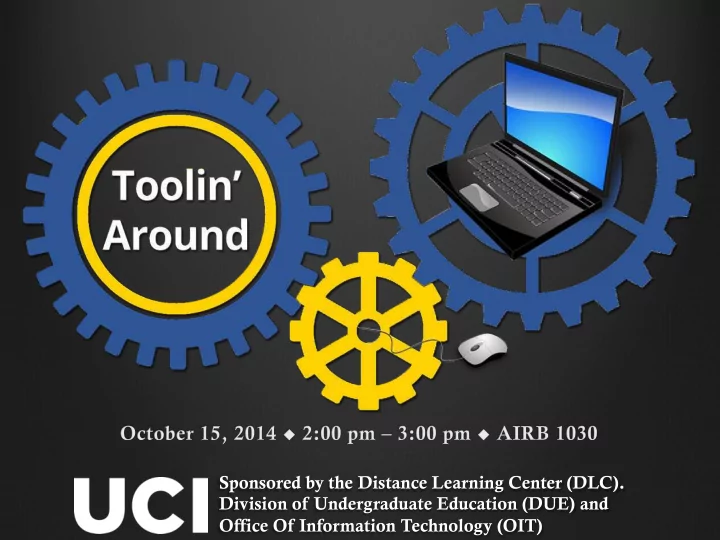
Sponsored by the Distance Learning Center (DLC). Division of - - PowerPoint PPT Presentation
Sponsored by the Distance Learning Center (DLC). Division of Undergraduate Education (DUE) and Office Of Information Technology (OIT) Introduction & Expectations What this is not A complete training on using tech tools A
Sponsored by the Distance Learning Center (DLC). Division of Undergraduate Education (DUE) and Office Of Information Technology (OIT)
What this is not…
A complete training on using tech tools A comprehensive toolbox for your class
What this is…
Highlights of potential useful technologies Suggested instructional uses A series of “lightning rounds”
Sarah Eichhorn Associate Dean, Distance Learning
Google application for creating forms. Data submitted through the form is automatically collected in a Google Sheets spreadsheet. Create forms, surveys, polls, quizzes or collect other information. Demo
Jesse Keeler Senior Instructional Designer
1 minute
Sheryl Hathaway Learning Strategy Consultant
Web-conferencing with up to 10 individuals Integration with Gmail accounts Uses for Google Hangouts (guest speakers, office hours) UCI lecture halls & smart classrooms [Fall 2014] Demo
1 minute
Synchronous lecture, discussion or office hours online Offers whiteboard, audio, presentations & shared documents No logins required! Static URL.
Sarah Eichhorn Associate Dean, Distance Learning
1 minute
A fun, free, easy-to-use clicker-style quiz tool for synchronous quiz-taking in the classroom Easily add video and images Break up lecture; engage students; encourage competition; have students create quiz questions Students answer via SmartPhone or website; no account necessary
Janet DiVincenzo Assistant Director, Online Learning
1 minute
Website/blog creation, hosting, and management tool Hosted by OIT and built on WordPress Easy to get started and collaborate Tons of potential uses, but does have some limitations
Mathew Williams Manager, Online Learning Technologies
1 minute
Publish content in a Google connected environment
Course Material Information & Project Resources
Incorporate Docs, Videos, Forms, and more…
Caryn Neiswender Instructional Technology Specialist
1 minute
Please complete the feedback form, which is available at http://sites.uci.edu/toolinaround/oct2014/
Save the Date!
Toolin’ Around – Session 2 November 5, 2014, 3-4 pm, MSTB Room 112
Theme: Licensing, OERs and Creative Commons
Sponsored by the Distance Learning Center (DLC). Division of Undergraduate Education (DUE) and Office Of Information Technology (OIT)