Storage and I/O - II Tevfik Ko ar Louisiana State University April - - PDF document

storage and i o ii
SMART_READER_LITE
LIVE PREVIEW

Storage and I/O - II Tevfik Ko ar Louisiana State University April - - PDF document

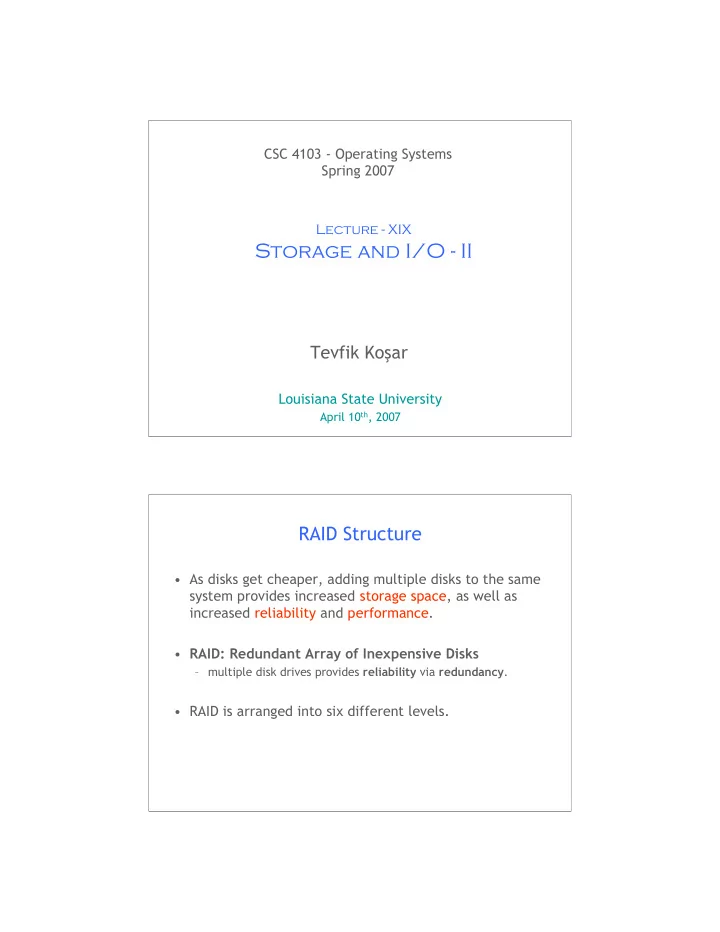
CSC 4103 - Operating Systems Spring 2007 Lecture - XIX Storage and I/O - II Tevfik Ko ar Louisiana State University April 10 th , 2007 1 RAID Structure As disks get cheaper, adding multiple disks to the same system provides increased


slide-1
SLIDE 1

1

CSC 4103 - Operating Systems Spring 2007

Tevfik Koşar

Louisiana State University

April 10th, 2007

Lecture - XIX

Storage and I/O - II

RAID Structure

  • As disks get cheaper, adding multiple disks to the same

system provides increased storage space, as well as increased reliability and performance.

  • RAID: Redundant Array of Inexpensive Disks

– multiple disk drives provides reliability via redundancy.

  • RAID is arranged into six different levels.
slide-2
SLIDE 2

RAID (cont)

  • RAID schemes improve performance and improve the

reliability of the storage system by storing redundant data.

– Mirroring (shadowing): duplicate each disk

  • Simplest but most expensive approach

– Block interleaved parity uses much less redundancy. – Data Striping: splitting each bit (or block) of a file across multiple disks.

RAID Levels

slide-3
SLIDE 3

RAID (0 + 1) and (1 + 0)

Hierarchical Storage Management (HSM)

  • A hierarchical storage system extends the storage

hierarchy beyond primary memory and secondary storage to incorporate tertiary storage — usually implemented as a jukebox of tapes or removable disks.

  • Usually incorporate tertiary storage by extending the

file system.

– Small and frequently used files remain on disk. – Large, old, inactive files are archived to the jukebox.

  • HSM is usually found in supercomputing centers and
  • ther large installations that have enormous volumes of

data.

slide-4
SLIDE 4

Hierarchical Storage Management I/O Hardware

slide-5
SLIDE 5

Mapping I/O Ports to Memory

Polling

  • Determines state of device

– command-ready – busy – Error

  • Busy-wait cycle to wait for I/O from device
slide-6
SLIDE 6

Interrupts

  • CPU Interrupt-request line triggered by I/O device
  • Interrupt handler receives interrupts
  • Maskable to ignore or delay some interrupts
  • Interrupt vector to dispatch interrupt to correct

handler

– Based on priority – Some nonmaskable

  • Interrupt mechanism also used for exceptions

Interrupt-Driven I/O Cycle

slide-7
SLIDE 7

Intel Pentium Processor Event-Vector Table

Direct Memory Access

  • Used to avoid programmed I/O for large data

movement

  • Requires DMA controller
  • Bypasses CPU to transfer data directly between I/O

device and memory

slide-8
SLIDE 8

Six Step Process to Perform DMA Transfer

Kernel I/O Subsystem

  • Scheduling

– Some I/O request ordering via per-device queue – Some OSs try fairness

  • Buffering - store data in memory while transferring

between devices

– To cope with device speed mismatch – To cope with device transfer size mismatch – To maintain “copy semantics”

slide-9
SLIDE 9

Device-status Table

Sun Enterprise 6000 Device-Transfer Rates

slide-10
SLIDE 10

Kernel I/O Subsystem

  • Caching - fast memory holding copy of data

– Always just a copy – Key to performance

  • Spooling - hold output for a device

– If device can serve only one request at a time – i.e., Printing

  • Device reservation - provides exclusive access to a

device

– System calls for allocation and deallocation – Watch out for deadlock

Error Handling

  • OS can recover from disk read, device unavailable,

transient write failures

  • Most return an error number or code when I/O request

fails

  • System error logs hold problem reports
slide-11
SLIDE 11

I/O Protection

  • User process may accidentally or purposefully attempt

to disrupt normal operation via illegal I/O instructions

– All I/O instructions defined to be privileged

  • -> I/O must be performed via system calls
  • Memory-mapped and I/O port memory locations

must be protected too

I/O Requests to Hardware Operations

  • Consider reading a file from disk for a process:

– Determine device holding file – Translate name to device representation – Physically read data from disk into buffer – Make data available to requesting process – Return control to process

slide-12
SLIDE 12

Life Cycle of An I/O Request Performance

  • I/O a major factor in system performance:

– Demands CPU to execute device driver, kernel I/O code – Context switches due to interrupts – Data copying – Network traffic especially stressful

slide-13
SLIDE 13

Improving Performance

  • Reduce number of context switches
  • Reduce data copying
  • Reduce interrupts by using large transfers, smart

controllers, polling

  • Use DMA
  • Balance CPU, memory, bus, and I/O performance for

highest throughput

26

Any Questions?

Hmm..

slide-14
SLIDE 14

27

Reading Assignment

  • Read chapter 13 from Silberschatz.

28

Acknowledgements

  • “Operating Systems Concepts” book and supplementary

material by Silberschatz, Galvin and Gagne.