V3 1/3/2015 Programming in C 1 Looping Subtasks We will examine - - PDF document

v3 1 3 2015
SMART_READER_LITE
LIVE PREVIEW

V3 1/3/2015 Programming in C 1 Looping Subtasks We will examine - - PDF document

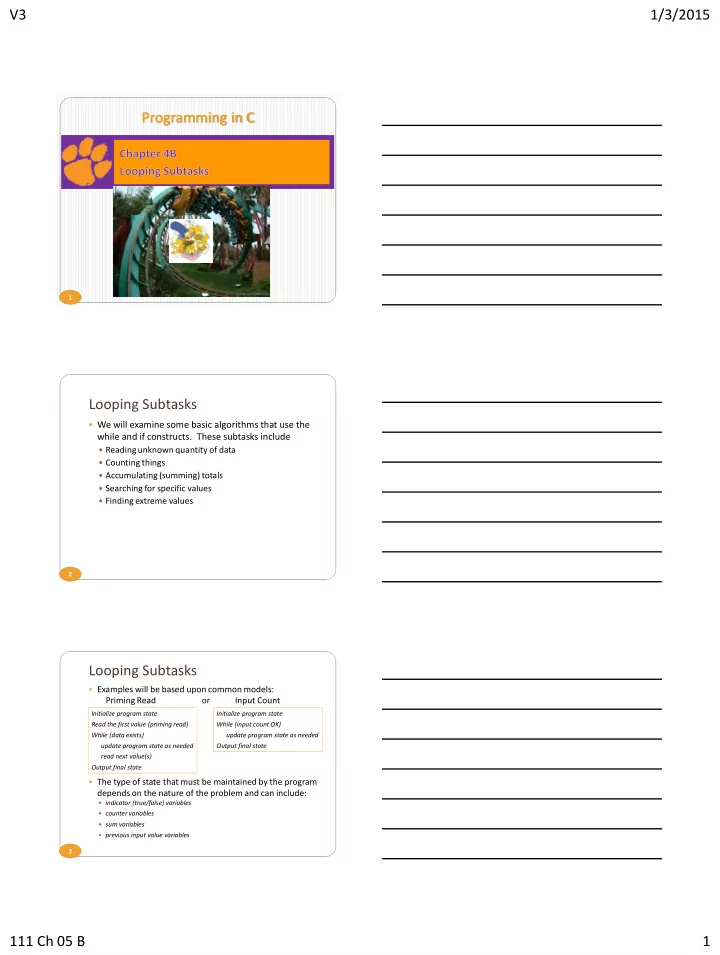
V3 1/3/2015 Programming in C 1 Looping Subtasks We will examine some basic algorithms that use the while and if constructs. These subtasks include Reading unknown quantity of data Counting things Accumulating (summing) totals


slide-1
SLIDE 1

V3 1/3/2015 111 Ch 05 B 1

1

Programming in C

2

Looping Subtasks

  • We will examine some basic algorithms that use the

while and if constructs. These subtasks include

 Reading unknown quantity of data  Counting things  Accumulating (summing) totals  Searching for specific values  Finding extreme values

3

Looping Subtasks

  • Examples will be based upon common models:

Priming Read or Input Count

  • The type of state that must be maintained by the program

depends on the nature of the problem and can include:

 indicator (true/false) variables  counter variables  sum variables  previous input value variables

Initialize program state Read the first value (priming read) While (data exists) update program state as needed read next value(s) Output final state Initialize program state While (input count OK) update program state as needed Output final state

slide-2
SLIDE 2

V3 1/3/2015 111 Ch 05 B 2

4

Counter-Controlled Repetition

  • Number of items is known before loop
  • Suppose the problem becomes:

Develop a class-averaging program that will process an arbitrary number of grade scores each time the program is run.

5

Sentinel-Controlled Repetition

  • One way to handle an arbitrary number of

input values is to have the user enter a special value to indicate the end of input.

  • Such a value is a sentinel value.

 Indicates end of valid input  Loop ends when sentinel value is read  Must choose a sentinel value that cannot be

confused with a regular input value.

25 43 67 96 12 58 44

  • 1

6

  • For sentinel-controlled loops

1.

Read before the loop (priming read)

2.

Test input to make sure it is not the sentinel value

3.

Process

4.

Read again at the bottom of the loop

  • Use the following model:

read before entering the loop while (value_read != SENTINEL) { // process … read at bottom of loop (before entering loop again) }

Sentinel-Controlled Priming Read

slide-3
SLIDE 3

V3 1/3/2015 111 Ch 05 B 3

7

Sentinel-Controlled Loop using Priming Read

25 43 67 96 12 58 44

  • 1

8

Sentinel-Controlled Loop using Input Count

25 43 67 96 12 58 44

  • 1

9

Example of sentinel-controlled loop

25 43 67 96 12 58 44 99

  • 1
slide-4
SLIDE 4

V3 1/3/2015 111 Ch 05 B 4

10

Processing an arbitrary number of pairs

  • Sometimes it is not possible

to find a sentinel value

  • We can use

End-of-input controlled loops

  • Uses return from scanf
  • Can be fooled by invalid data

End-of-file controlled loops

  • Uses function feof

11

End of Data

  • Hardware & Software

End-Of-File

 Keyboard

  • Ctrl-d

(Does not work on Mac!)

25 43 67 96 12 58 44 99 Ctrl-d

The End Is Here!

12

Redirection

  • Redirection: Read / Write to actual file

 stdin: cmd < input-file

  • Ex: ./a.out < nums.txt

 stdout: cmd > output-file

  • Ex: ./a.out > report.txt

 stdout (append): cmd >> output-file

  • Ex: ./a.out >> report.txt

 Both: cmd < input-file > output-file

  • Ex: ./a.out < nums.txt > report.txt

 Leave out prompts when designing for redirection

slide-5
SLIDE 5

V3 1/3/2015 111 Ch 05 B 5

13

Example: End-of-input controlled loop using items read & priming read

25 43 67 96 12 58 44 14

Example: End-of-input controlled loop using just items read

25 43 67 96 12 58 44 15

Example: End-of-input controlled loop using number of items read

25 43 67 96 12 58 44 99

slide-6
SLIDE 6

V3 1/3/2015 111 Ch 05 B 6

16

Detecting End-of-File

  • Function: feof

 Syntax: feof(file-pointer)

  • Returns true or false
  • Standard input: feof(stdin)

 Use in a while loop - while (!feof(stdin))

17

Example: End-of-file controlled loop

End of File

25 43 67 96 12 58 44 18

Example: end-of-file controlled loop

25 43 67 96 12 58 44 99

End of File

slide-7
SLIDE 7

V3 1/3/2015 111 Ch 05 B 7

19

Looping Subtask: Counting

  • Example: Find the number of scores in a file

 Here the program state that must be maintained

is a counter that maintains the number of scores that have been read so far.

  • Steps

 Declare an int variable for the count  Initialize the count to zero  Increment the count

in the body of the loop

20

Looping Subtask: Counting

21

Looping Subtask: Counting

slide-8
SLIDE 8

V3 1/3/2015 111 Ch 05 B 8

22

Looping Subtask: Counting

23

Looping Subtask: Counting

24

Counting Example

  • What if we want to print the number of passing scores

(scores >= 70)?

 We need a mechanism that allows us to count only if the

score is greater than or equal to 70

 Use if stmt

slide-9
SLIDE 9

V3 1/3/2015 111 Ch 05 B 9

25

Looping Subtask: Counting

26

Counting Example

  • What if we want to print the number of passing scores

(scores >= 70) and the number of failing scores?

 Use if -else

27

Looping Subtask: Counting

slide-10
SLIDE 10

V3 1/3/2015 111 Ch 05 B 10

28

Looping Subtask: Accumulation (Summing)

  • The state that must be maintained is the sum of all

values that have been seen so far.

 Declare a variable to hold the sum (accumulator)  Initialize the sum to zero  In the body of the loop, add the new value to the sum

29

Accumulating Example

30

Counting & Accumulating Example

  • Problem

 A class of ten students took a quiz.  The grades (integers in the range 0 to 100) for this quiz

are available to you.

 Determine the class average on the quiz.

  • Hint: Requirements for an average

 Count of number of items  Sum of the items

slide-11
SLIDE 11

V3 1/3/2015 111 Ch 05 B 11

31

Counting & Accumulating Example

  • Pseudocode:

Set total to zero Set grade counter to one While grade counter is less than or equal to ten Input the next grade Add the grade into the total Add one to the grade counter Set the class average to the total divided by ten Print the class average

32

Looping Subtasks: Searching

  • Need a variable to indicate whether or not the program

has encountered the target value, call it found

  • Initialize found to 0 (false)
  • Each time through the loop, check to see if the current

value equals the target value

 If so, assign 1 to found

33

Searching Exercise

Write a C program that

1.

Reads a target score at the beginning of the file

2.

Reads a set of scores and determines if the target score is in the set of scores

3.

If found prints Target ## was found

  • therwise prints

Target ## was not found

slide-12
SLIDE 12

V3 1/3/2015 111 Ch 05 B 12

34

Looping Subtasks: Searching

35

Searching Improvement

  • Stop searching if target has been found

36 96 is the max 12 is the min

Looping Subtasks: Finding Extremes

  • Finding Extreme Values (e.g. maximum, minimum)

 Need a variable (such as maxValue) to remember the

most extreme value encountered so far

25 43 67 96 12 58 44

slide-13
SLIDE 13

V3 1/3/2015 111 Ch 05 B 13

37

Looping Subtasks: Finding Extremes

  • Finding Extreme Values (e.g. maximum, minimum)

 Initialize the maxValue (minValue) to some value

  • maxValue: Lower value than any data
  • minValue: Higher value than any data
  • Or for both: The first data value

 For each data item

  • Compare the current value to maxValue (or minValue)
  • If the current value is > maxValue (< minValue), replace maxValue

(minValue) with the current value.

38

Extremes Exercise

Write a C program that

1.

Reads a set of scores from a file

2.

Determines and prints the maximum score

39

Looping Subtasks: Finding Extremes

slide-14
SLIDE 14

V3 1/3/2015 111 Ch 05 B 14

40

Programming in C

T H E E E N D D