
SLIDE 1
CS109
App programming
Programming a smartphone app is a bit different from PC programming.
- We don’t have a compiler on the phone.
- We can use a variety of sensors
(camera, accelerometer, compas, light sensor).
- There is no keyboard.
CS109
Cross-compiling
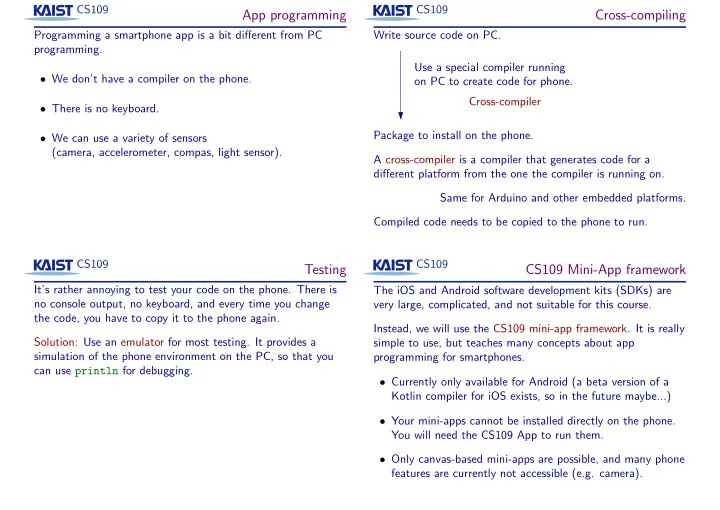
Write source code on PC. Use a special compiler running
- n PC to create code for phone.
Package to install on the phone. Cross-compiler A cross-compiler is a compiler that generates code for a different platform from the one the compiler is running on. Same for Arduino and other embedded platforms. Compiled code needs to be copied to the phone to run. CS109
Testing
It’s rather annoying to test your code on the phone. There is no console output, no keyboard, and every time you change the code, you have to copy it to the phone again. Solution: Use an emulator for most testing. It provides a simulation of the phone environment on the PC, so that you can use println for debugging. CS109
CS109 Mini-App framework
The iOS and Android software development kits (SDKs) are very large, complicated, and not suitable for this course. Instead, we will use the CS109 mini-app framework. It is really simple to use, but teaches many concepts about app programming for smartphones.
- Currently only available for Android (a beta version of a
Kotlin compiler for iOS exists, so in the future maybe...)
- Your mini-apps cannot be installed directly on the phone.
You will need the CS109 App to run them.
- Only canvas-based mini-apps are possible, and many phone