Interfaces 2D shapes such as Circle , Rectangle , and Triangle . - - PDF document

interfaces
SMART_READER_LITE
LIVE PREVIEW

Interfaces 2D shapes such as Circle , Rectangle , and Triangle . - - PDF document

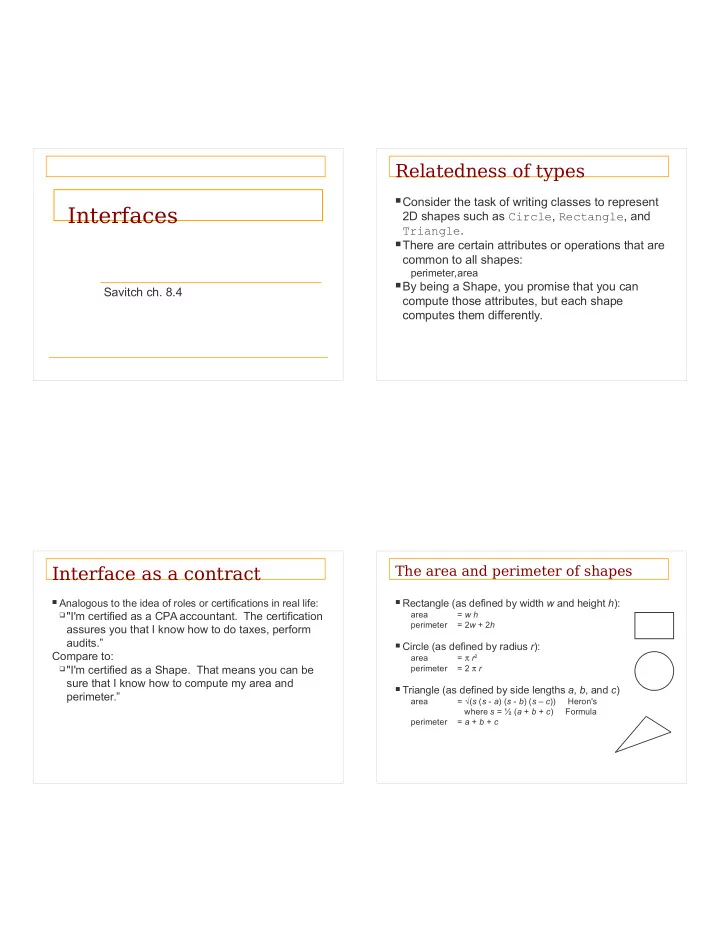
Relatedness of types Consider the task of writing classes to represent Interfaces 2D shapes such as Circle , Rectangle , and Triangle . There are certain attributes or operations that are common to all shapes: perimeter,area By being


slide-1
SLIDE 1

Interfaces

Savitch ch. 8.4

Relatedness of types

Consider the task of writing classes to represent

2D shapes such as Circle, Rectangle, and Triangle.

There are certain attributes or operations that are

common to all shapes:

perimeter,area

By being a Shape, you promise that you can

compute those attributes, but each shape computes them differently.

Interface as a contract

 Analogous to the idea of roles or certifications in real life: "I'm certified as a CPA accountant. The certification

assures you that I know how to do taxes, perform audits.” Compare to:

"I'm certified as a Shape. That means you can be

sure that I know how to compute my area and perimeter.”

The area and perimeter of shapes

 Rectangle (as defined by width w and height h):

area = w h perimeter = 2w + 2h

 Circle (as defined by radius r):

area = π r2 perimeter = 2 π r

 Triangle (as defined by side lengths a, b, and c)

area = √(s (s - a) (s - b) (s – c)) Heron's where s = ½ (a + b + c) Formula perimeter = a + b + c

slide-2
SLIDE 2

Interfaces

 interface: A list of methods that a class promises to

implement.

 Inheritance gives you an is-a relationship and code-sharing.  An Executive object can be treated as a StaffMember, and  Executive inherits StaffMember’s code.  Interfaces give you an is-a relationship without code sharing.  Only method stubs in the interface  Object can-act-as any interface it implements  A Rectangle object can be treated as a Shape as long as it

implements the interface.

Interfaces with abstract classes

public abstract class Shape { public abstract double area(); public abstract double perimeter(); }

In an abstract class, some methods may be implemented. Not all methods must be abstract. In an interface, no methods may be implemented. All must be abstract. In an interface, the abstract keyword is not used.

Java Interfaces

 An interface for shapes:

public interface Shape { public double area(); public double perimeter(); } This interface describes the features common to all shapes.

 (Every shape has an area and perimeter.)  Interface declaration syntax:

public interface <name> {

public <type> <name>(<type> <name>, ..., <type> <name>); public <type> <name>(<type> <name>, ..., <type> <name>); ... public <type> <name>(<type> <name>, ..., <type> <name>); }

 All methods are public!

Implementing an interface

public class Circle implements Shape { private double radius; // Constructs a new circle with the given radius. public Circle(double radius) { this.radius = radius; } // Returns the area of the circle. public double area() { return Math.PI * radius * radius; } // Returns the perimeter of the circle. public double perimeter() { return 2.0 * Math.PI * radius; } }

slide-3
SLIDE 3

Implementing an interface

A class can declare that it implements an

interface.

This means the class needs to contain an

implementation for each of the methods in that interface.

(Otherwise, the class will fail to compile.)

Syntax for implementing an interface

public class <name> implements <interface name> { ... }

Requirements

 If we write a class that claims to be a Shape but doesn't

implement the area and perimeter methods, it will not compile.

 Example:

public class Banana implements Shape { //without implementing area or perimeter }

 The compiler error message:

Banana.java:1: Banana is not abstract and does not override abstract method area() in Shape public class Banana implements Shape { ^

Diagramming an interface

We draw arrows upward from the classes to the

interface(s) they implement.

 There is a supertype-subtype relationship here;  e.g., all Circles are Shapes, but not all Shapes are

Circles.

Rectangle

public class Rectangle implements Shape { private double width; private double height; // Constructs a new rectangle with the given dimensions. public Rectangle(double width, double height) { this.width = width; this.height = height; } // Returns the area of this rectangle. public double area() { return width * height; } // Returns the perimeter of this rectangle. public double perimeter() { return 2.0 * (width + height); } }

slide-4
SLIDE 4

Triangle

public class Triangle implements Shape { private double a; private double b; private double c; // Constructs a new Triangle given side lengths. public Triangle(double a, double b, double c) { this.a = a; this.b = b; this.c = c; } // Returns a triangle's area using Heron's formula. public double area() { double s = (a + b + c) / 2.0; return Math.sqrt(s * (s – a)*(s – b)*(s - c)); } // Returns the perimeter of the triangle. public double perimeter() { return a + b + c; } }

Interfaces and polymorphism

 The is-a relationship provided by the interface means that the client

can take advantage of polymorphism.

 Example:

public static void printInfo(Shape s) { System.out.println("The shape: " + s); System.out.println("area : " + s.area()); System.out.println("perim: " + s.perimeter()); System.out.println(); }

 Any object that implements the interface may be passed as the

parameter to the above method. Circle circ = new Circle(12.0); Triangle tri = new Triangle(5, 12, 13); printInfo(circ); printInfo(tri); Interface is a type!

Interfaces and polymorphism

 We can create an array of an interface type, and store

any object implementing that interface as an element.

Circle circ = new Circle(12.0); Rectangle rect = new Rectangle(4, 7); Triangle tri = new Triangle(5, 12, 13); Shape[] shapes = {circ, tri, rect}; for (int i = 0; i < shapes.length; i++) { printInfo(shapes[i]); }

 Each element of the array executes the appropriate behavior for its

  • bject when it is passed to the printInfo method, or when area
  • r perimeter is called on it.

Comments about Interfaces

 The term interface also refers to the set of public methods

through which we can interact with objects of a class.

 Methods of an interface are abstract.  Think of an interface as an abstract base class with all

methods abstract

 Interfaces are used to define a contract for how you

interact with an object, independent of the underlying implementation.

 Separate behavior (interface) from the implementation

slide-5
SLIDE 5

When to use interfaces or abstract classes

An abstract class: mix of abstract and non-

abstract methods, so some default implementations.

An abstract class can also have static methods,

private and protected methods, etc.

Interfaces and inheritance

 Interfaces allow us to get around the Java limitation of no

multiple inheritance – a class can implement several interfaces

class ImplementsSeveral implements Interface1, Interface2 { // implementation }

 A class can implement an interface AND extend another

class

 Inheritance can be applied to interfaces – an interface can

be derived from another interface

Commonly used Java interfaces

The Java class library contains classes and

interfaces

Comparable – allows us to order the elements

  • f an arbitrary class

Serializable (in java.io) – for saving

  • bjects to a file.

List, Set, Map, Iterator (in java.util)

– describe data structures for storing collections

  • f objects

The Java Comparable interface

 A class can implement the Comparable interface to

define an ordering for its objects. public interface Comparable<E> { public int compareTo(E other); } public class Employee implements Comparable<Employee> { … }

 A call of a.compareTo(b) should return:

a value < if a comes "before" b in the ordering, a value > if a comes "after" b in the ordering,

  • r

if a and b are considered "equal" in the ordering.

slide-6
SLIDE 6

Comparable and sorting

 If you implement Comparable, you can sort arbitrary

  • bjects using the method Arrays.sort

StaffMember [] staff = new StaffMember[3]; staff[0] = new Executive(…); staff[1] = new Employee(…) staff[2] = new Hourly(…); staff[3] = new Volunteer(…); Arrays.sort(staff);

Note that you will need to provide an implementation of compareTo

compareTo tricks

Delegation trick - If your object's attributes are

comparable (such as strings), you can use their compareTo:

// sort by employee name public int compareTo(StaffMember other) { return name.compareTo(other.getName()); }

Another example

public class Contact implements Comparable<Contact>{ private String firstName, lastName, phone; public boolean equals(Object other) { if (!(other instanceof Contact)) return false; return (lastName.equals(((Contact)other).getLastName()) && firstName.equals(((Contact)other).getFirstName())); } // Uses both last and first names to determine ordering. public int compareTo(Contact other) { String otherFirst = other.getFirstName(); String otherLast = other.getLastName(); if (lastName.equals(otherLast)) return firstName.compareTo(otherFirst); else return lastName.compareTo(otherLast); } }

Note the difference in the parameters of compareTo() and equals() In version 1.4 of Java compareTo() needed parameter of type Object

import java.util.Arrays; Contact[] friends = new Contact[6]; friends[0] = new Contact ("John", "Smith", "610-555-7384"); friends[1] = new Contact ("Sarah", "Barnes", "215-555-3827"); friends[2] = new Contact ("Mark", "Riley", "733-555-2969"); friends[3] = new Contact ("Laura", "Getz", "663-555-3984"); friends[4] = new Contact ("Larry", "Smith", "464-555-3489"); friends[5] = new Contact ("Frank", "Phelps", "322-555-2284"); Arrays.sort(friends); for (int i=0; i<friends.length; i++) System.out.println (friends[i]); }

slide-7
SLIDE 7

ArrayList

 The ArrayList declaration:

public class ArrayList<E> extends AbstractList<E> implements List<E>, RandomAccess, Cloneable, Serializable

 The List interface includes:

Method E get(int index) Returns the element at the specified position int indexOf(Object o) Returns the index of the first occurrence

  • f the specified element

E remove(int index) Removes the element at the specified position E set(int index, E element) Replaces the element at the specified position

Lists and collections

 The declaration of the List interface:

public interface List<E> extends Collection<E>

 Has methods that any collection of elements should have:

add, clear(), contains, isEmpty(), remove, size()