
SLIDE 1
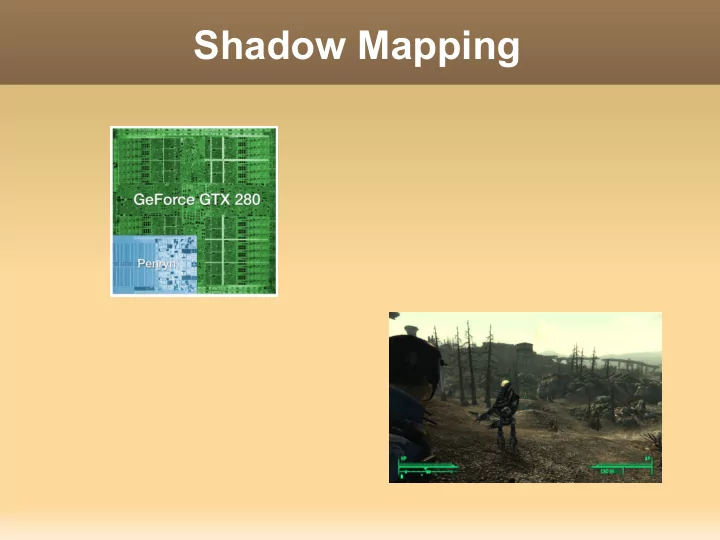
Shadow Mapping Outline Quick introduction to computer graphics. - - PowerPoint PPT Presentation
Shadow Mapping Outline Quick introduction to computer graphics. Why Shadows ? The shadow mapping algorithm. Strengths and weaknesses You will ... Get an abstract view of how Computer Graphics works. Be able to outline the
Quick introduction to computer graphics. Why Shadows ? The shadow mapping algorithm. Strengths and weaknesses
Get an abstract view of how Computer
Be able to outline the the shadow mapping
Know that this technique is used in current
Be able to list some weaknesses and strengths
A set of data: triangles in 3D space.
Provided by an artist.
Methods of “rendering” (Drawing) these
Developed by a programmer.
1.000000 1.000000 -1.000000 0.000000 0.000000 -1.000000 1.000000 -1.000000 -1.000000 0.000000 0.000000 -1.000000
1.000000 0.999999 1.000000 0.000000 -0.000000 1.000000
0.999999 -1.000001 1.000000 0.000000 -0.000000 1.000000 1.000000 1.000000 -1.000000 1.000000 -0.000000 0.000000 1.000000 0.999999 1.000000 1.000000 -0.000000 0.000000 0.999999 -1.000001 1.000000 1.000000 -0.000000 0.000000 1.000000 -1.000000 -1.000000 1.000000 -0.000000 0.000000 1.000000 -1.000000 -1.000000 -0.000000 -1.000000 -0.000000 0.999999 -1.000001 1.000000 -0.000000 -1.000000 -0.000000
1.000000 0.999999 1.000000 0.000000 1.000000 0.000000 1.000000 1.000000 -1.000000 0.000000 1.000000 0.000000
1.000000 1.000000 -1.000000 0.000000 0.000000 -1.000000 1.000000 -1.000000 -1.000000 0.000000 0.000000 -1.000000
1.000000 0.999999 1.000000 0.000000 -0.000000 1.000000
0.999999 -1.000001 1.000000 0.000000 -0.000000 1.000000 1.000000 1.000000 -1.000000 1.000000 -0.000000 0.000000 1.000000 0.999999 1.000000 1.000000 -0.000000 0.000000 0.999999 -1.000001 1.000000 1.000000 -0.000000 0.000000 1.000000 -1.000000 -1.000000 1.000000 -0.000000 0.000000 1.000000 -1.000000 -1.000000 -0.000000 -1.000000 -0.000000 0.999999 -1.000001 1.000000 -0.000000 -1.000000 -0.000000
1.000000 0.999999 1.000000 0.000000 1.000000 0.000000 1.000000 1.000000 -1.000000 0.000000 1.000000 0.000000
Read data Material Specification View Position Light Position Graphics Processing Unit
Material Specification
View Position Light Position
Graphics Processing Unit Color Buffer Depth buffer
Material Specification View Position Light Position Graphics Processing Unit
View from Light Position
Depth buffer Color Buffer Shadow Map!
Graphics Processing Unit
Depth buffer
Color Buffer Shadow Map!
Material Specification View Position Light Position Graphics Processing Unit Depth buffer
Price/Performance
Linear cost in number
Extensible. Simple.
Detached shadows. Incorrectly shadowed
Sampling related problems.
Increase shadowmap resolution.
Add small constant to “distances” in order to avoid self-shadowing.
Very unstable!
Very high level introduction to Computer graphics. How shadows enhance realism.
Shadow mapping.
Currently popular algorithm for generating shadows. Good performance. Reasonable results. But unstable! (small changes to input...) Research topic: see GPU Gems 3. GPU Pro. (new