
1
1. Introduction 2. Binary Representation 3. Hardware and Softw are 4. High Level Languages 5. Standard input and output 6. Operators, expression and statem ents 7. M aking Decisions 8. Looping 9. Arrays 10. Basics of pointers 11. Strings 12. Basics of functions 13. M
- re about functions
14. Files 14. Data Struc tures 16. Cas e study: lottery num ber generator
Lecture 4
Machine Code
- As we have seen, programs exist as binary
machine code. This is inconvenient for humans as we can not naturally interpret the code.
- To overcome this, assembly language was
invented, e.g.
LDA 1BC9
- load accumulator from address 1BC9
ADD 05
- add 5 to accumulator
STA 1AF7
- store the result at address 1AF7
- This is translated more or less directly into
machine code by a program called an assembler
Assembler
- For complex programs we need a greater level
- f abstraction which is offered by high level
languages such as c e.g.
x=newWindow(200,300,x_pos,y_pos); y=1+sin(theta)-cos(phi)/2; Source File Assembler Object File
(assembler code) (program) (machine code)
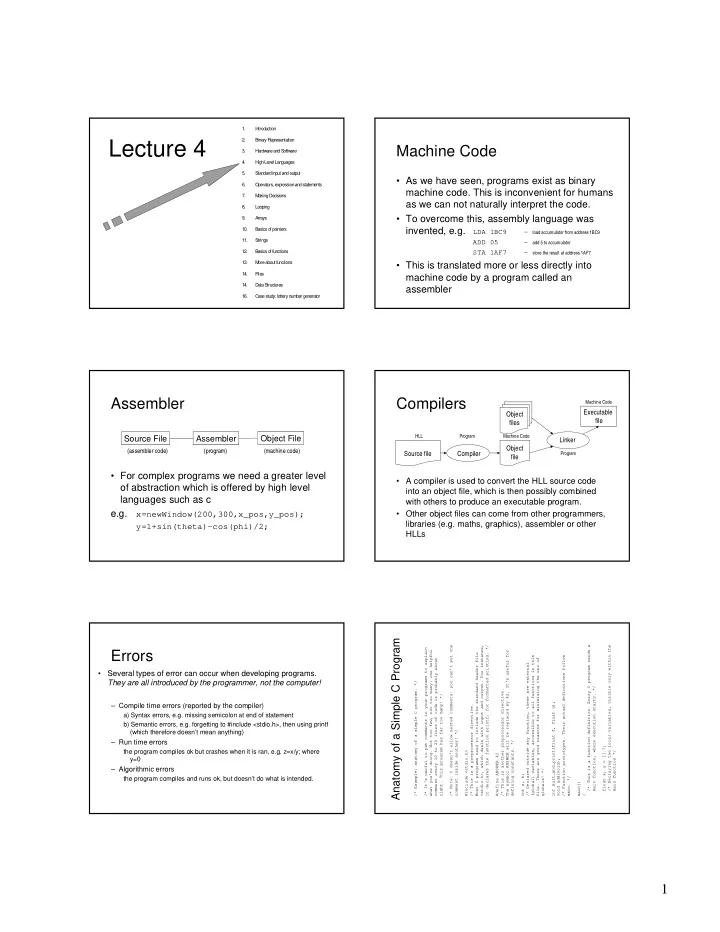
Compilers
- A compiler is used to convert the HLL source code
into an object file, which is then possibly combined with others to produce an executable program.
- Other object files can come from other programmers,
libraries (e.g. maths, graphics), assembler or other HLLs
Source file Compiler Linker Executable file Object files Object file
HLL Program Machine Code Machine Code Program
Errors
- Several types of error can occur when developing programs.
They are all introduced by the programmer, not the computer!
– Compile time errors (reported by the compiler) a) Syntax errors, e.g. missing semicolon at end of statement b) Semantic errors, e.g. forgetting to #include <stdio.h>, then using printf (which therefore doesn’t mean anything) – Run time errors the program compiles ok but crashes when it is ran, e.g. z=x/y; where y=0 – Algorithmic errors the program compiles and runs ok, but doesn’t do what is intended.
/* Example: anatomy of a simple C program. */ /* It's useful to put comments in your programs to explain what you're doing. Not too few, not too many: one helpful comment every 10 to 20 lines of code is probably about
- right. This program has far too many! */
/* Note: C doesn't allow nested comments: you can't put one comment inside another! */ #include <stdio.h> /* This is a preprocessor directive. Most C programs need to include the standard header file <stdio.h>, which deals with input and output. For instance, it declares the function printf, for formatted printing. */ #define ANSWER 42 /* This is another preprocessor directive. The symbol ANSWER will be replaced by 42. It's useful for defining constants. */ int a, b; /* Declared outside any function, these are external (global) variables, accessible to all functions in this
- file. There are good reasons for minimising the use of
globals! */ int mult_and_print(float f, float g); void add(void); /* Function prototypes. Their actual definitions follow
- main. */
main() { /* This is a function definition. Every C program needs a main function, where execution starts. */ float x, y = 13.7; /* Declaring two local variables, visible only within the main function */
Anatomy of a Simple C Program